Shopify is an e-commerce platform that makes it easy on customers to pay upfront, online. Customer orders generate notifications. In order to know that a notification was acted upon, we ask that employees mark that order as fulfilled once it is processed.
Step 0. Login to Shopify (https://mcnaughton.myshopify.com/admin/auth/login). The group account is under "ecommerce@mcnaughton.media" or you may have a personal login.
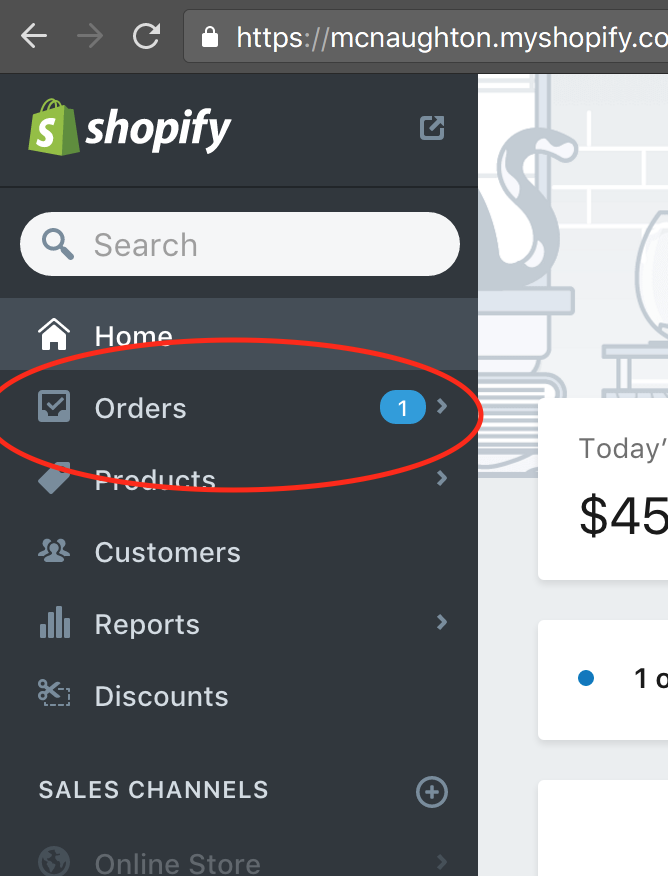
Step 1: Pull up the Orders screen by clicking on "Orders" in the lefthand menu
Step 2: Find your order in the listing and click on it.

Pro tip: If the list is growing large, click over to the "Unfilled" tab if needed

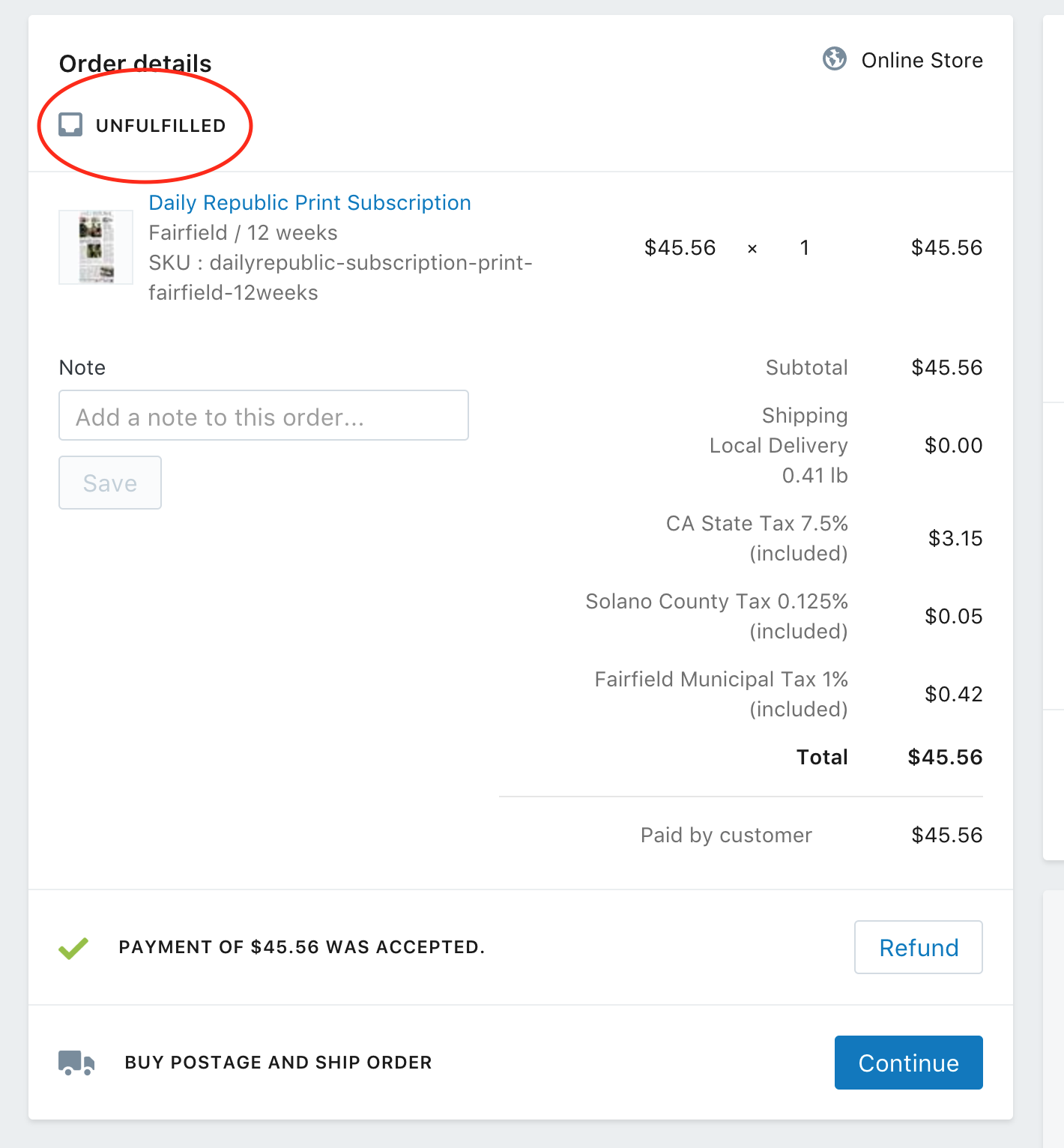
An unfilled order says so right up top:
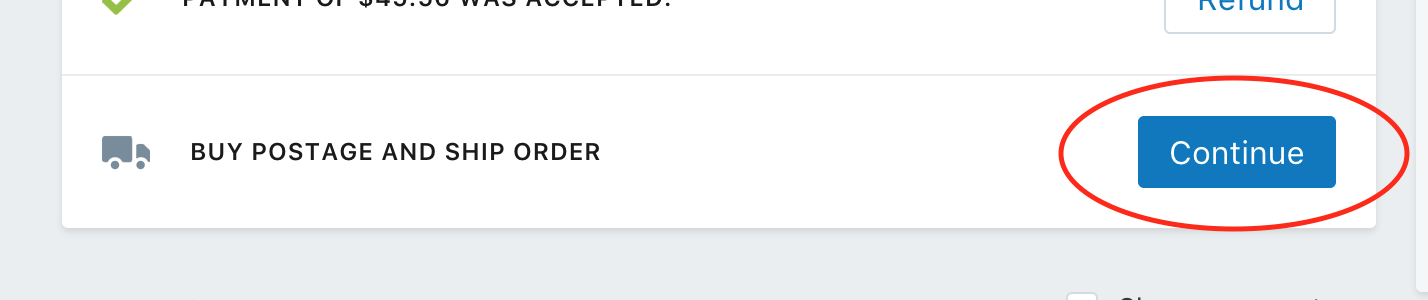
Step 3: Fulfill the Order as required then click "Continue" button next to "Buy Postage And Ship Order"
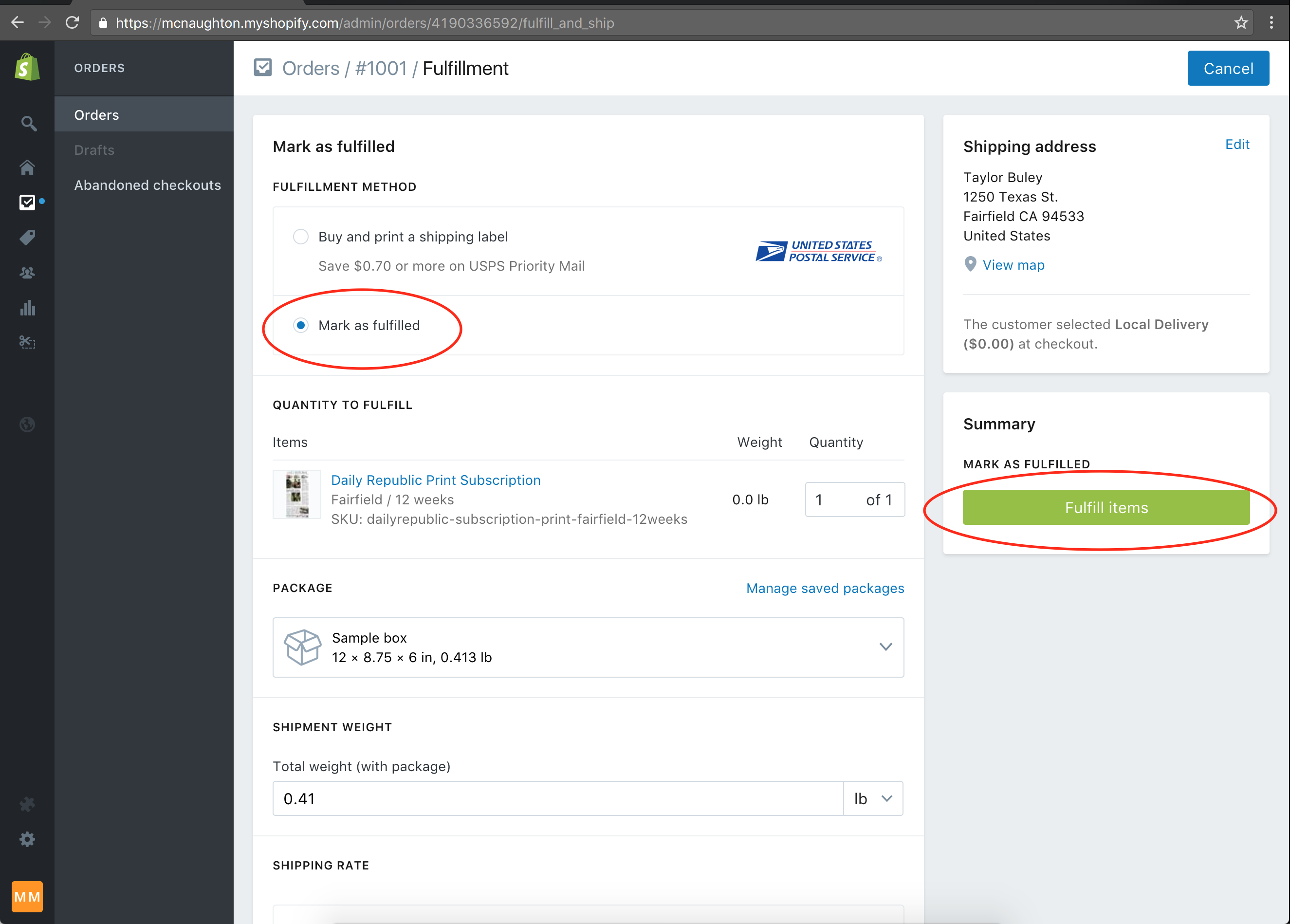
Step 4: On the next screen, toggle the selection to "Mark as fulfilled" and click the green "Fulfill items" button
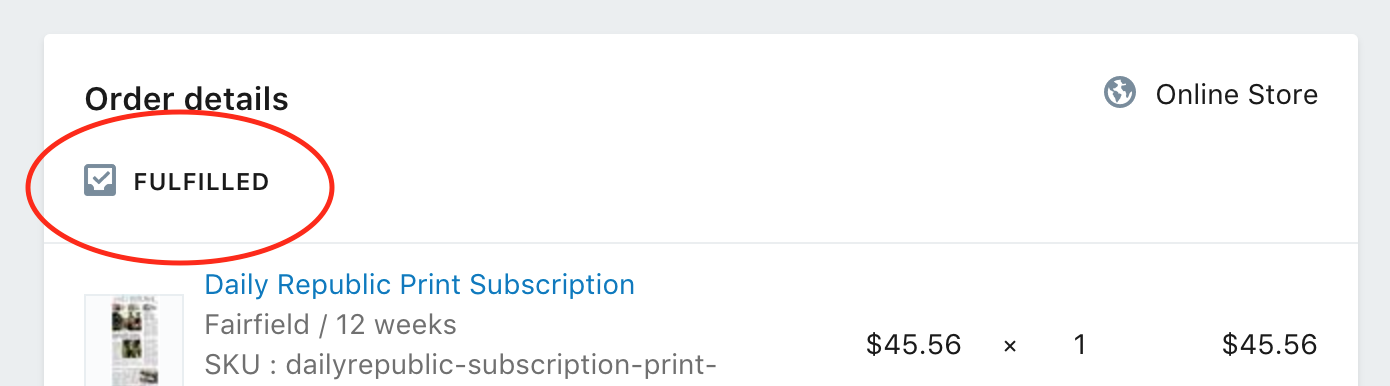
Pro tip: The next screen that will appear should be the Order again, but this time it should indicate that the Order is fulfilled
0 Comments