Note: The Facebook video embed uses an <iframe> element. You'll have to have administrator rights to embed an <iframe>. Contact your editor or help@mcnaughton.media.
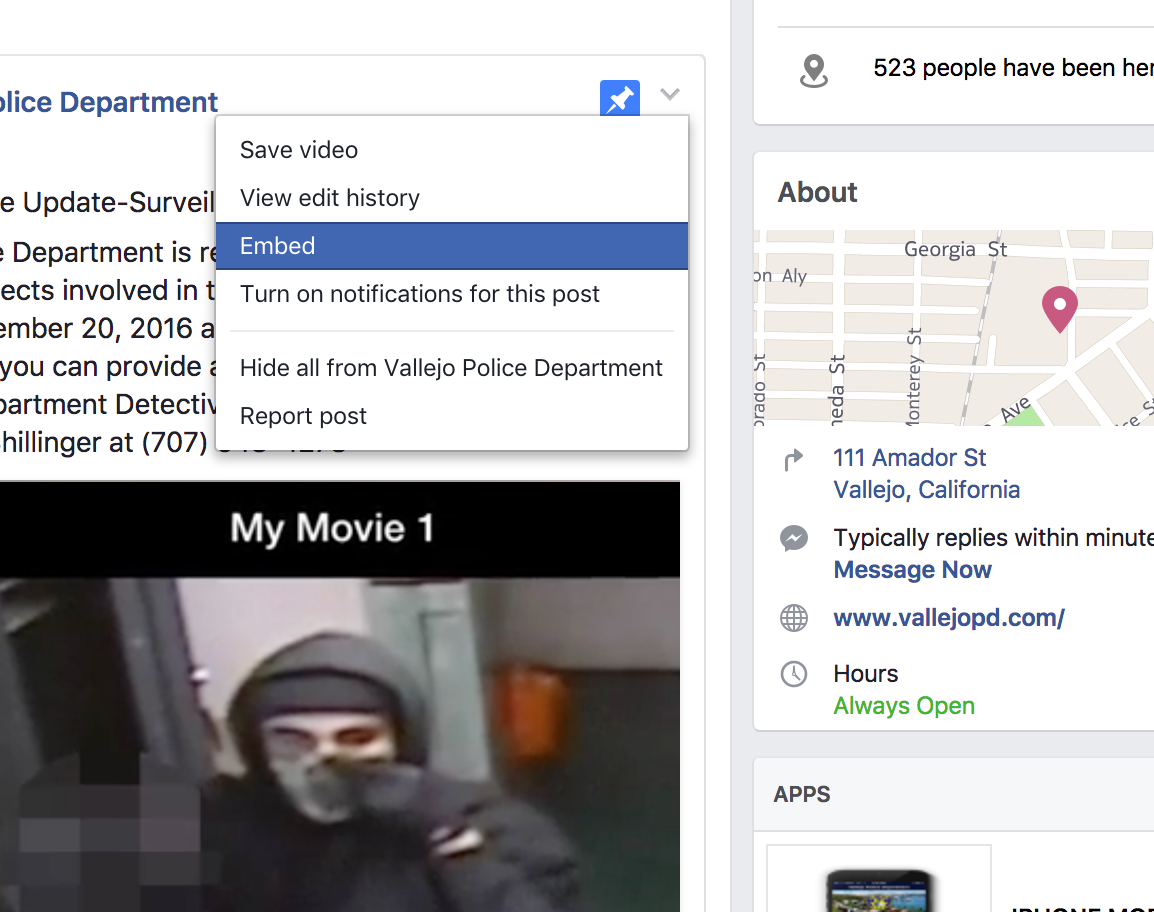
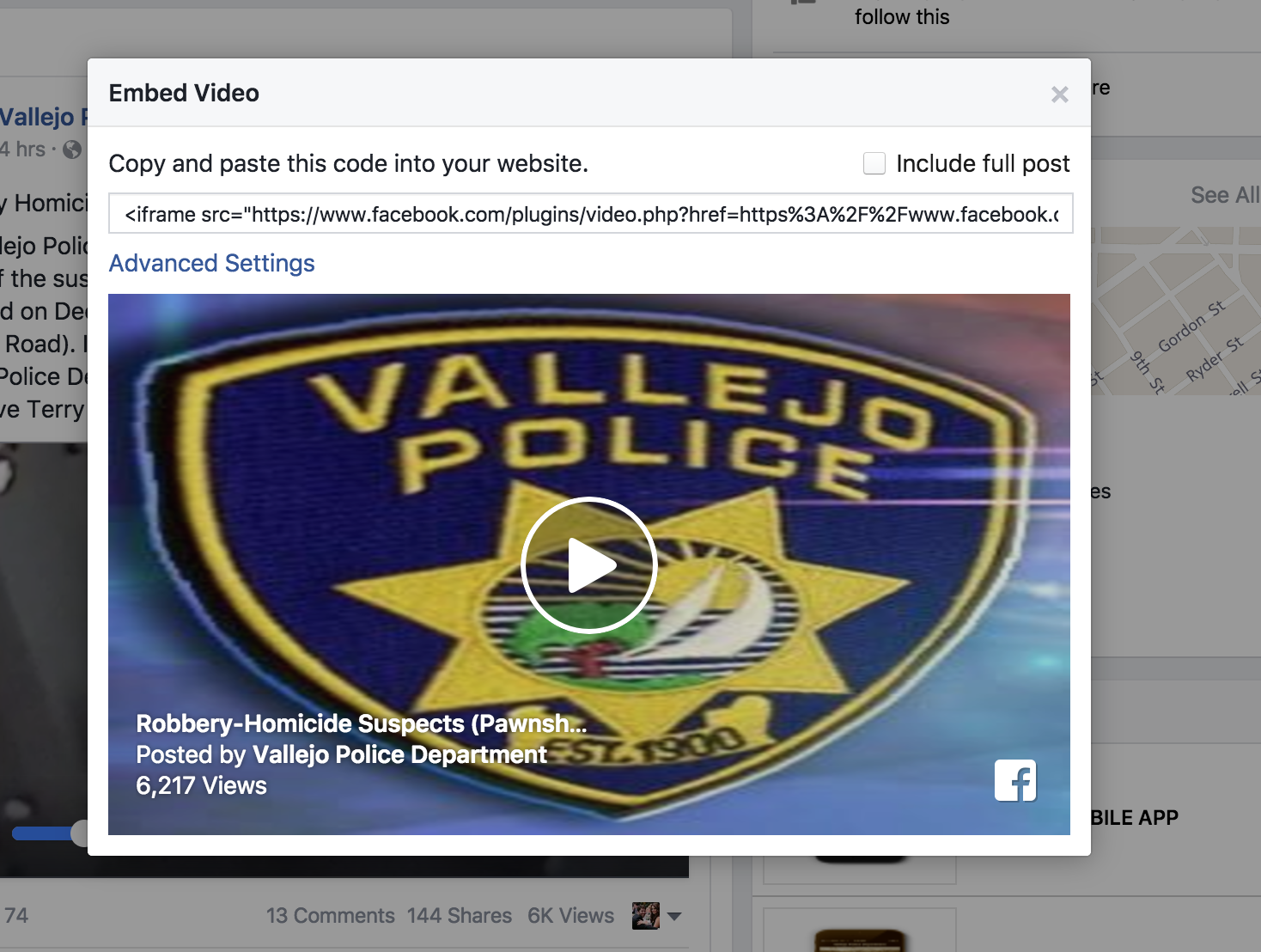
Step 1. Get the embed code from Facebook.
It's an "iframe" which is something only admins like you and me can embed. This is for web security reasons
e.g. <iframe src="https://www.facebook.com/
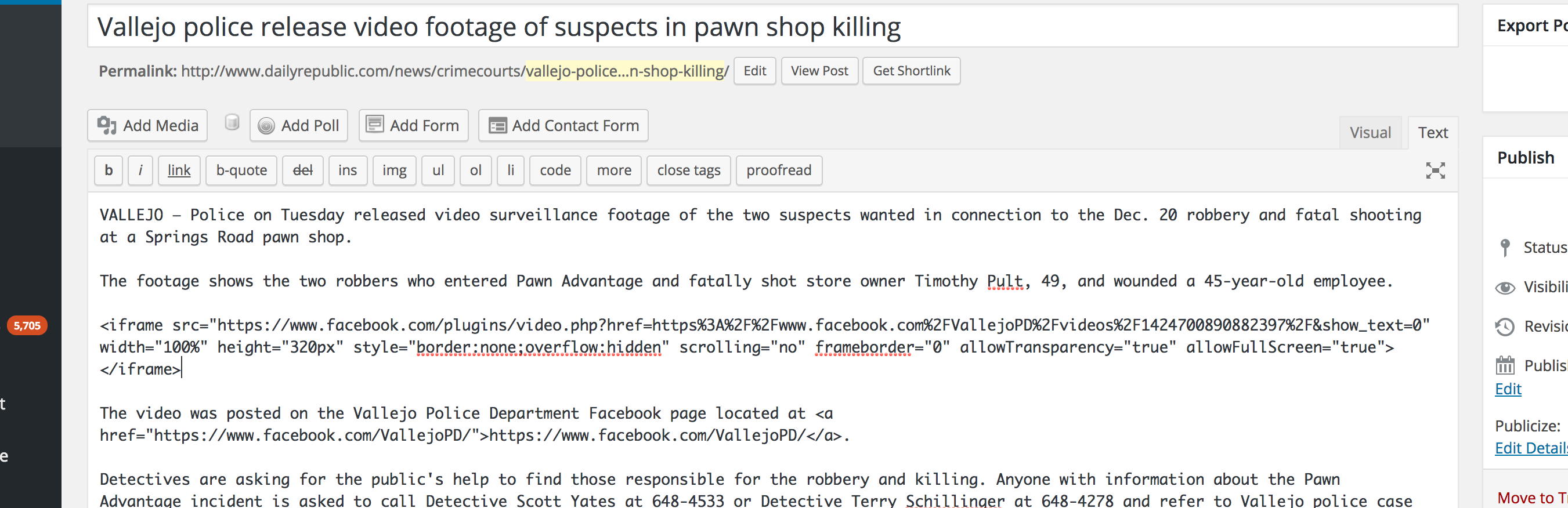
Step 2. Go into the WordPress post, paste the code into the Text editor view of TinyMCE
Step 2a. Optionally tweak sizes or ask me to (I changed: width="100%" height="320px")
0 Comments