Step 1: Use the DFP Traffic Forecast tool in Inventory->Traffic Forecast. Background.
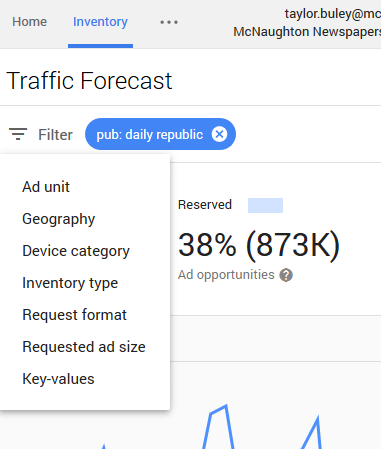
step 2: Add optional filters and hit the "Apply" button to update the forecast. E.g. click Filter->Key/Values then choose "pub" key and check a value, for example, to focus on a single publication ("pub=Publication Name").
0 Comments