Every contributor should have a:
- Username (typically first initial, last name)
- First, Last, Display Name (byline)
- Description (bio: optional but strongly encouraged)
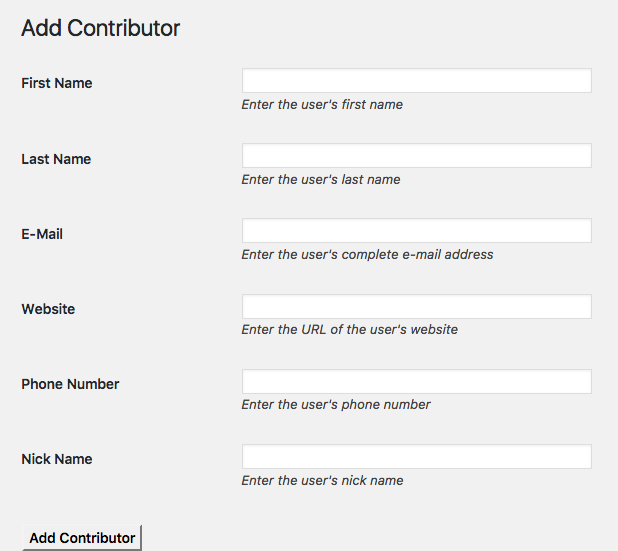
The easiest way to add a contributor is via the Add Contributor tool on the WordPress backend. This tool is available to WordPress site Editors and Administrators via Tools->Add Contributor e.g. http://www.dailyrepublic.com/wp-admin/tools.php?page=add-contributor-menu
What the Add Contributor tool does is create a new WordPress account on the network and add this user to the current site. If a user has a WordPress account already, request an administrator to add this user to the site rather than create a duplicate account.
Note that in the "Add Contributor" tool, username is called "Nick Name." The display name is set automatically. If you use a bad email, the confirmations will be sent to that bad email, resulting in bounced emails. This can be bad for our email reputation. Instead, send consider sending emails to yourself at "your.username+anything@mcnaughton.media"
0 Comments