Location is the next part of the events calendar. (See: Recurring events). If you have a popular hall where events occur, you can add that address and the name of the hall to your locations. This will make it easier for you or a user to add it to a new event in the future.
To do this add a location, follow the fields and add the information about the hall.
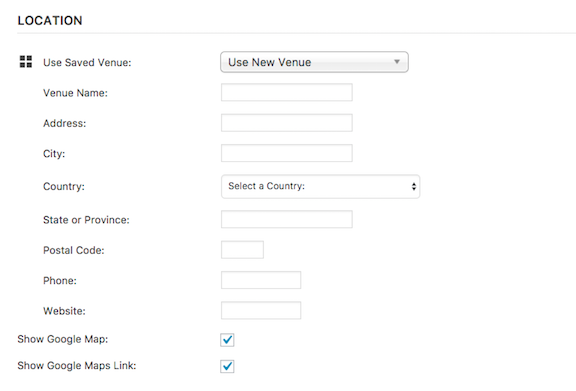
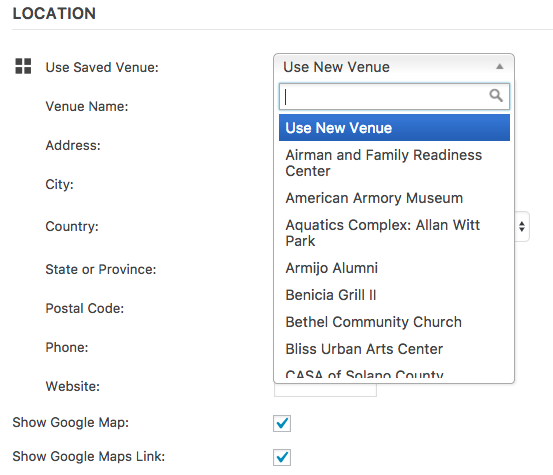
Once you enter a new location, it will be accessible to all by clicking Use New Venue. A list will then appear with all the venues that have ever been entered into the Events Calendar. When you find the location of your event, click it, check the box if you’d like a google map to display with your event and then you’re ready to move to Organizers. See How do I add an Event Organizer?
0 Comments