An organizer is anyone or any group that organizes an event no matter how big or small. Once an organizer is entered into the system, like a location (See: How do I add an Event Location?), it will remain for future users to select and make scheduling an event faster and easier to do.
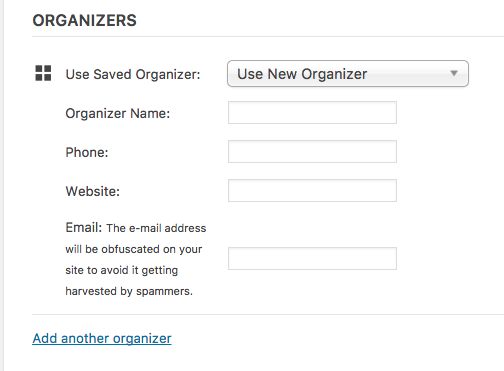
Either select an existing organizer by clicking Use New Organizer or add a new organizer by filling out the above fields. Remember some organizers handle multiple events and may be listed multiple times with either different phone numbers or websites. Make sure to select the correct organizer for your event.
0 Comments