Step 1: Create a new post or page into which you'll embed the Form. Optionally, publish it.
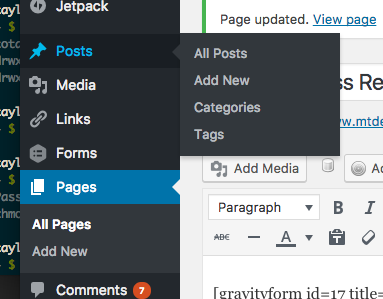
Step 2: Click the "Add Form" button atop TinyMCE (the text editor) on the Edit Post/Edit Page screen.
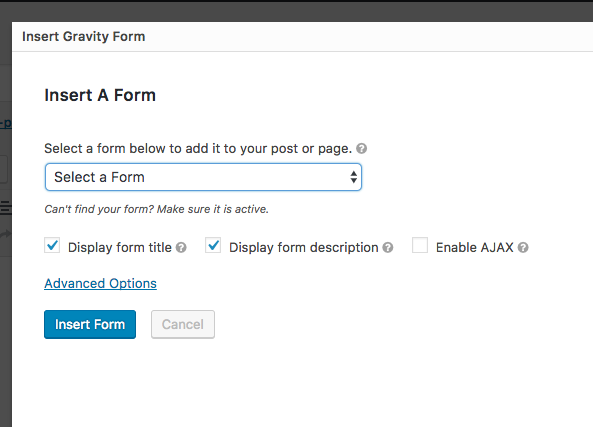
Step 3: Choose a form from the "Select a form" dropdown. Optionally hide the title and/or description by unchecking the respective box. Tap the "Insert Form" to inject a shortcode into your post where the cursor is currently placed.
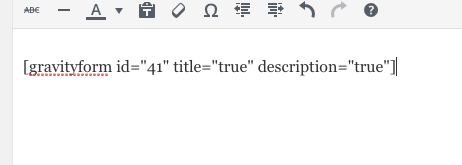
Step 4: Update the Post or Page, which now contains a shortcode such as the one pictured below. Preview and test to confirm functionality.
0 Comments