Because our social media settings can be fragile, it's a good idea to back them up. This is only doable for a user with the site Administrator role.
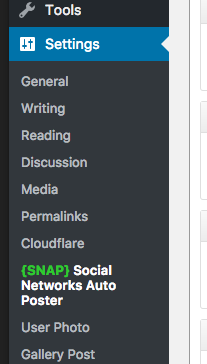
Step 1: Find the SNAP settings page under the Settings menu item on the WordPress backend
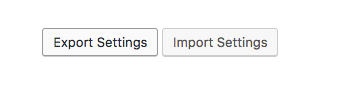
Step 2: Scroll to the bottom and click the "Export Settings" button
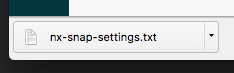
Step 3: A file named "nx-snap-settings.txt" will download. These are your settings. Back up this file, for example on Google Drive.
0 Comments