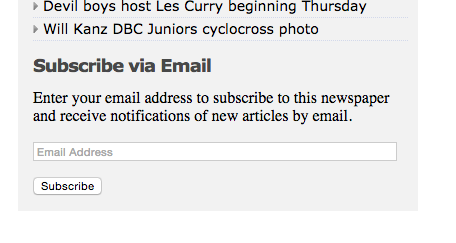
The website offers an option to "Subscribe via Email" feature on article pages. These alerts are powered by WordPress.com, a popular blogging platform, and are pushed out every time something is published.
To unsubscribe from email alerts:
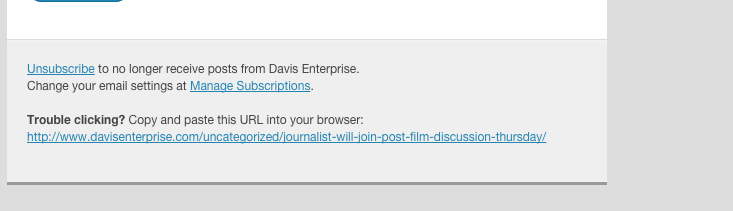
1. Click the linked word "Unsubscribe" in the footer of any alert.
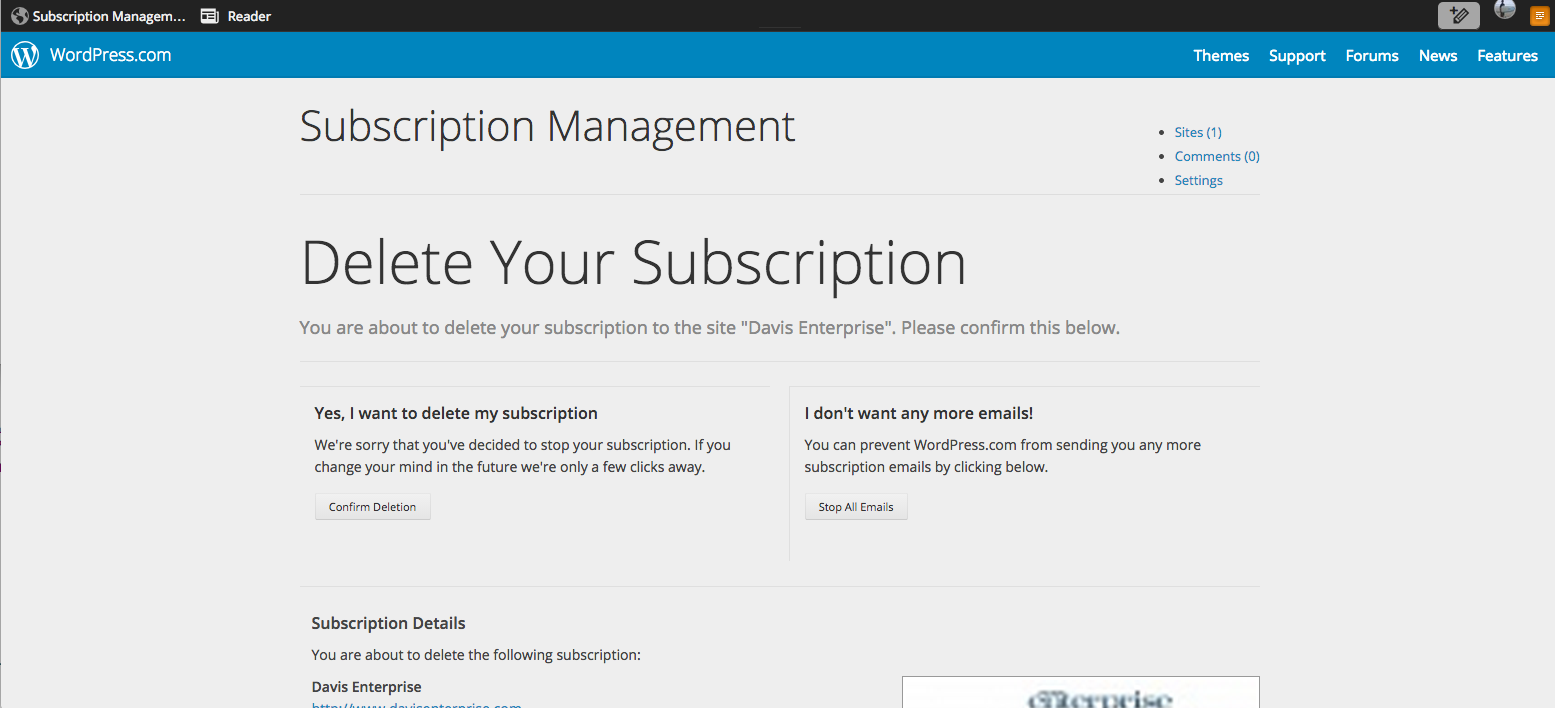
2. Confirm that you mean to "delete" your subscription to these alerts by clicking the "Confirm Deletion" button. This only stops email alerts and in no way affects your newspaper subscriptions.
0 Comments