Step 1: Login as an admin
http://www.villagelife.com/wp-login.php
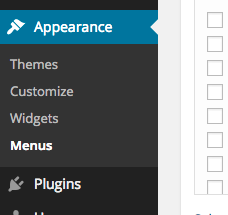
Step 2: Visit `Appearances->Menu` settings page
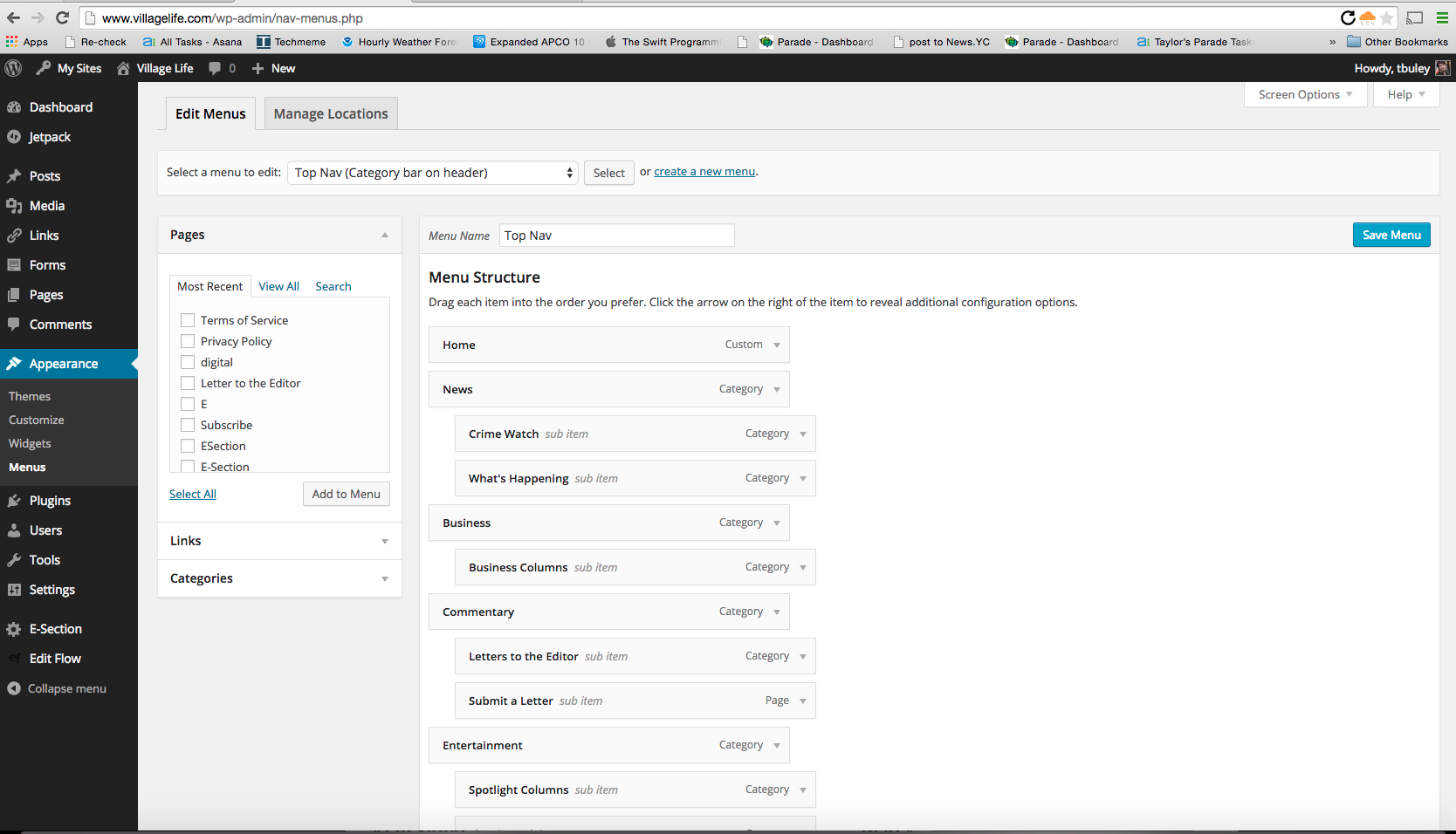
http://www.villagelife.com/wp-admin/nav-menus.php
This is what the menu option looks like in the WordPress backend:
This is what the settings page looks like in the WordPress backend:
Step 3: Make appropriate updates
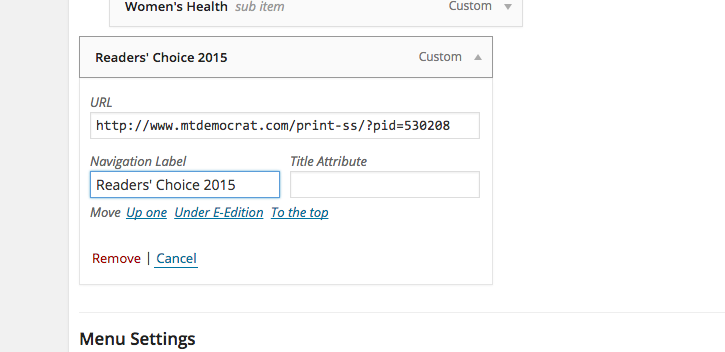
This is an example change. The menu label is "Navigation Label" and where it clicks to is the URL.
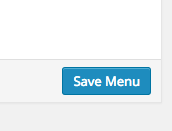
Step 4: Save
Step 5. Verify your changes

0 Comments