From the Finder menu, click "Go" and the "Connect to Server...."
In the Server Address box type:
smb://192.58.92.200/DE
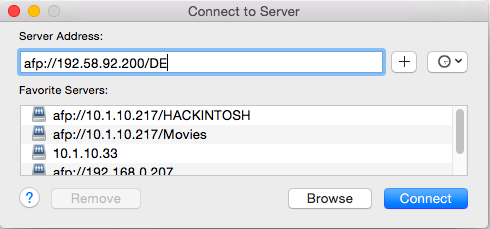
Enter your username in the form of first.last.
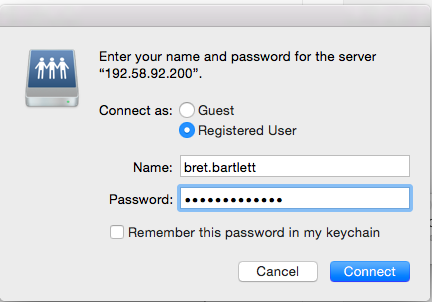
Enter your password in the form of First<3HisData or First<3HerData.
You should then be authenticated and have the new server mounted on your desktop. You will find all of the folders that were available on the old DavisDepot, on the new server, under the volume "DE."
0 Comments