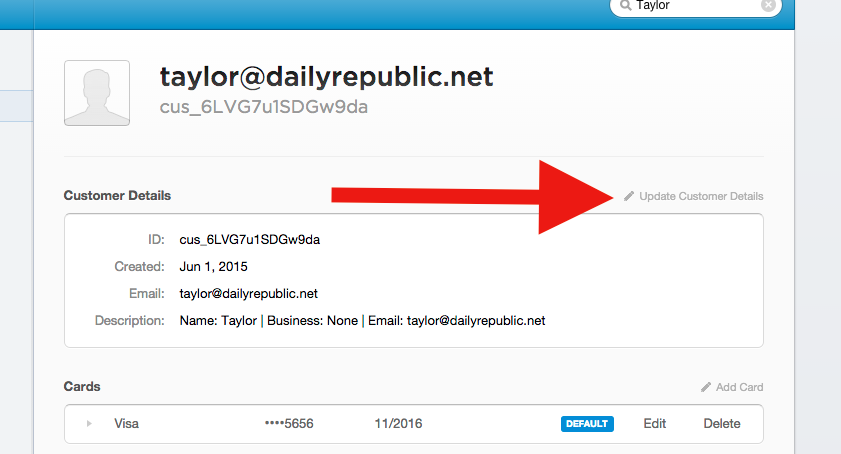
There are largely two things we care to update when dealing with a Customer Record: the description fields and the payment sources. Those areas are described below.
To edit a record you need to first be viewing it. For more information on where and how to find Customer Records read What Is A Customer Record?
Description Fields
Payment Sources
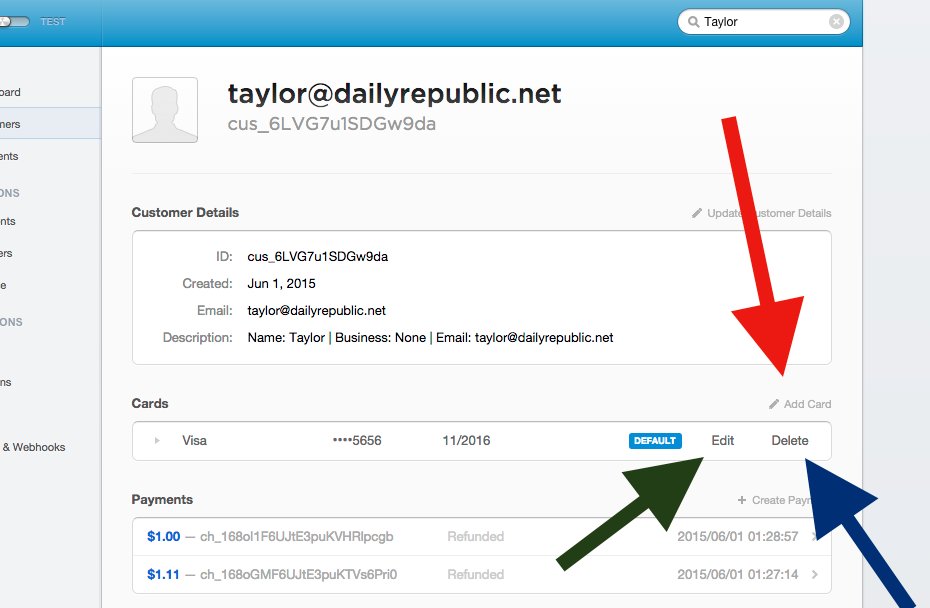
You can add a new funding source for a customer by clicking the "Add Card" link (red arrow).
You can remove a Customer Record's payment source ("Card") by clicking the "Delete" link (blue arrow).
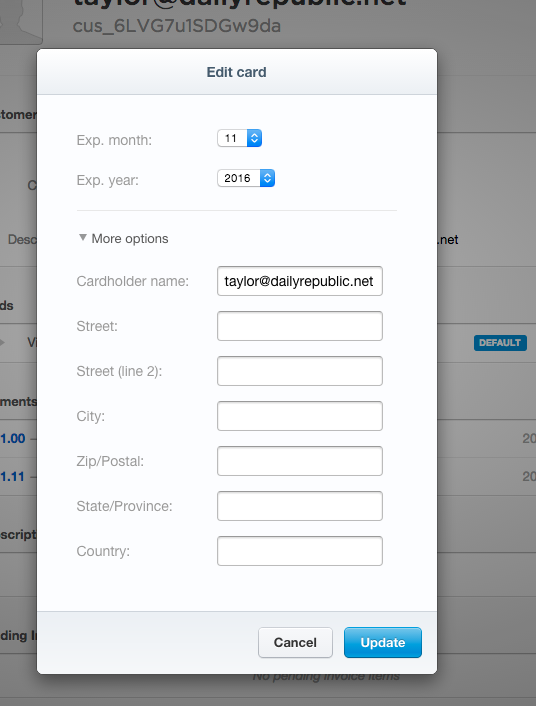
You can edit a Customer Record's associated payment sources ("Cards") to change their expiration month or year. To do this, click "Edit" on the card you'd like to update (green arrow).
0 Comments