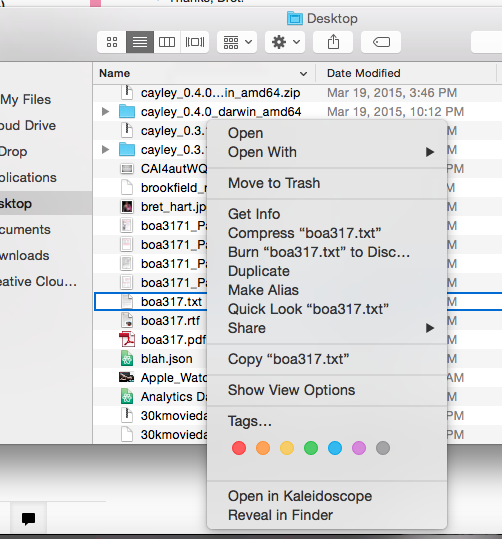
Control+Click the file for which you'd like to set the default program and choose "Get Info" from the list. You can either set the program for this one file or for all files of its type. For example, clicking to the "Get Info" panel for example.txt can change the default program to open either all .txt files or just example.txt.
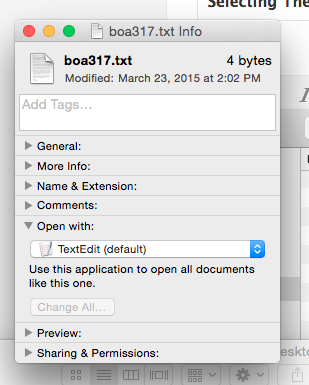
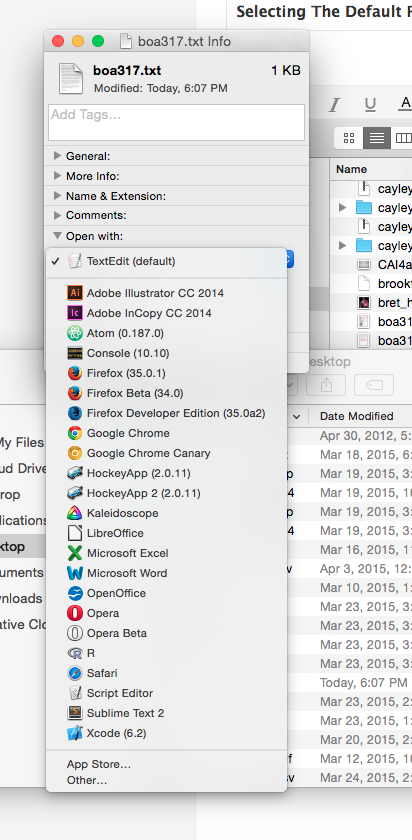
Select the dropdown in the "Open With" section and either pick a recommended application or choose "Other..." to find the application on your machine.
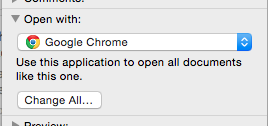
After making a selection, click the "Change All..." button to apply this program selection to all files of the current type. If you don't click this button, your program selection will only apply to the currently selected file.
0 Comments