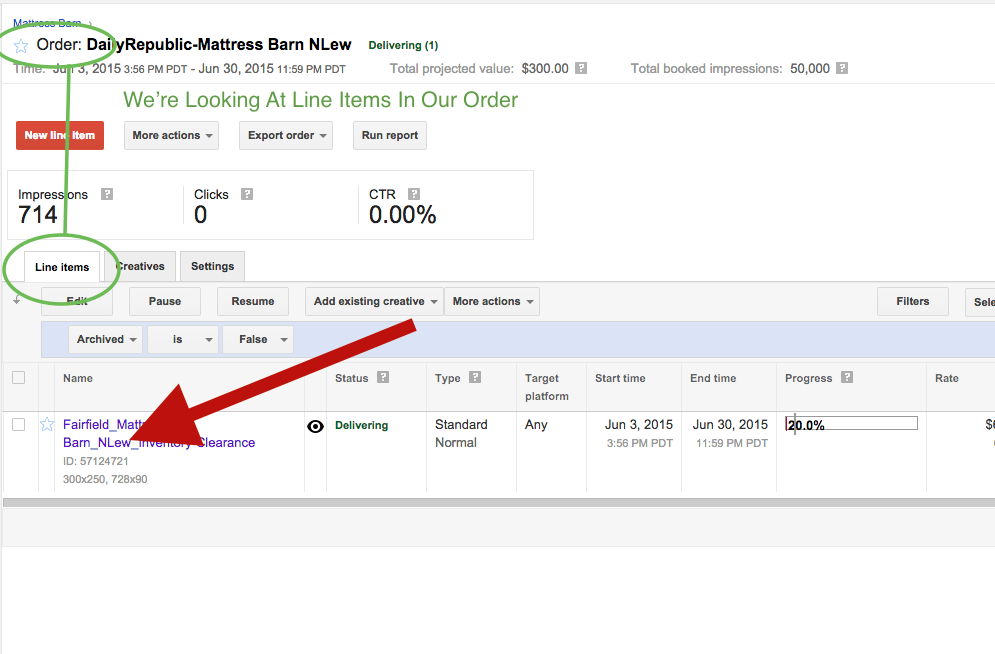
Step 0: Find the order, which contains the line item, which contains the creative
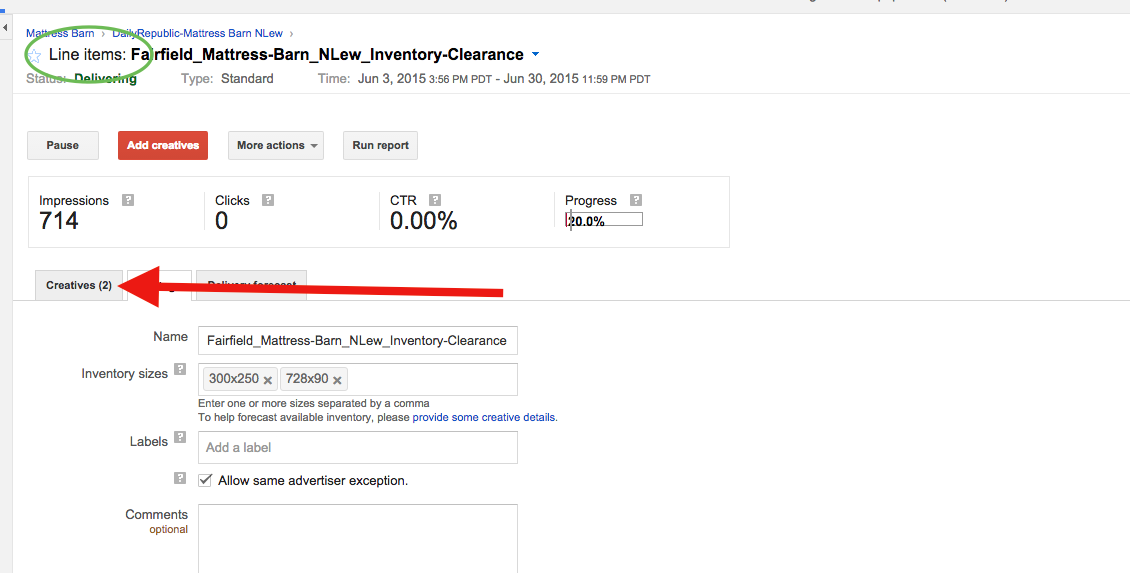
Step 1: Click on the line item that contains the creative
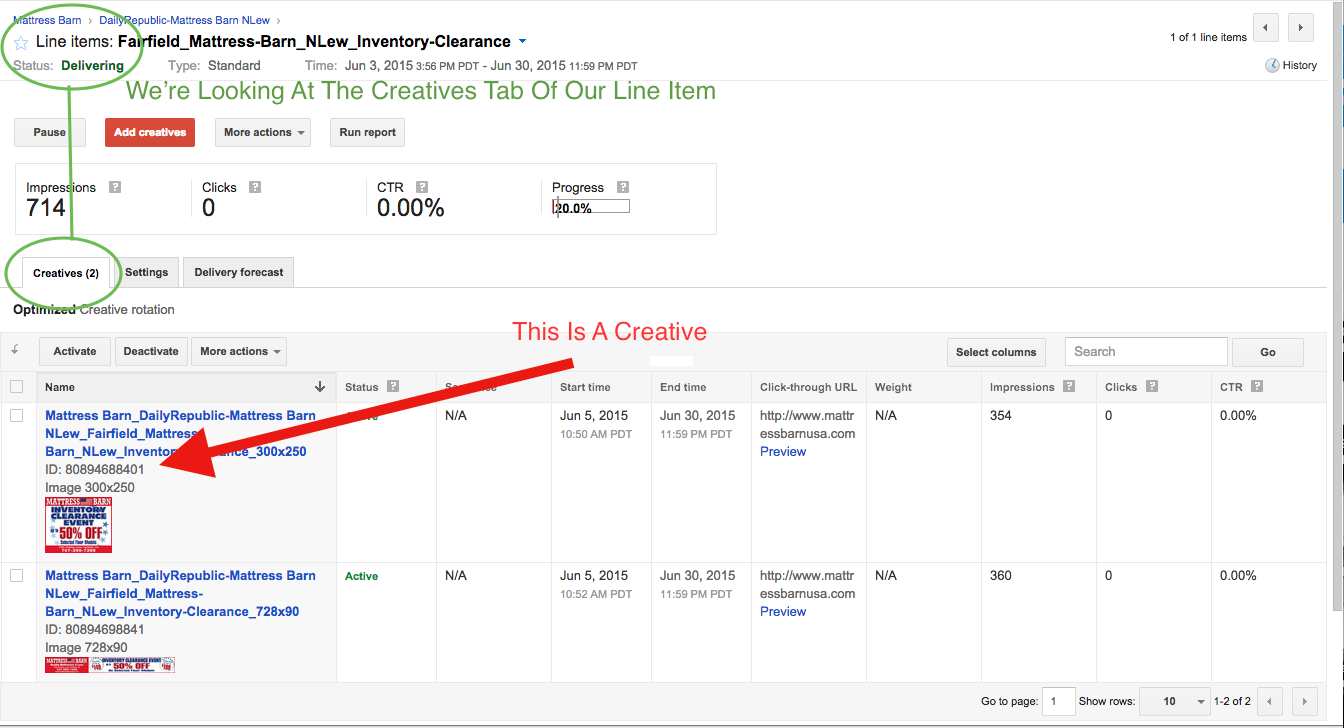
Step 3: Click the "Creatives" tab of the line item
Step 4: Click The Creative You'd Like To Preview
Step 5: Click the "Preview: On site" Link
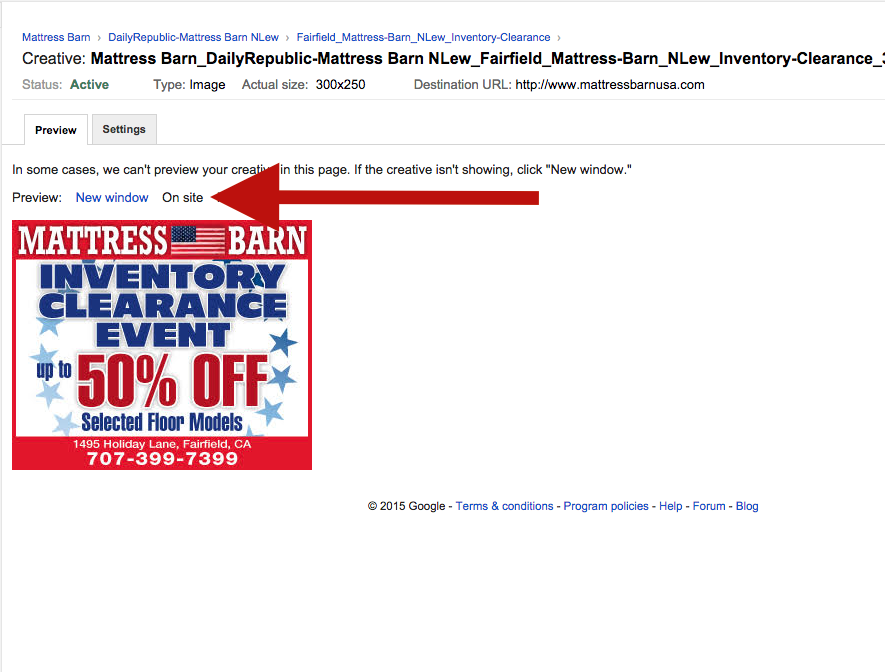
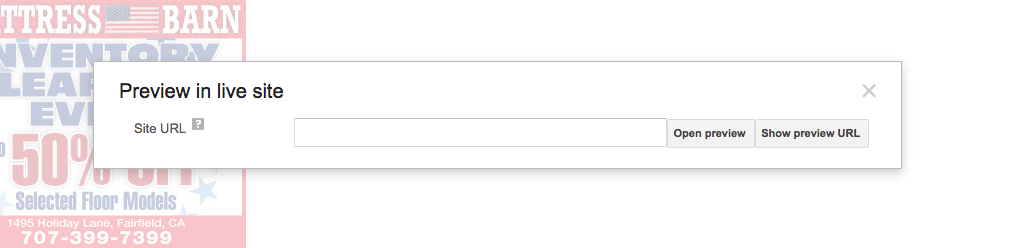
Step 6: Type The URL On Which To Preview (Hint: Use An Article) And Click "Open Preview"
Step 7: Click on the ad! Creative previews are the only appropriate place to test your creative destination. So make sure you do so! It will take you to an interim page that confirms your click was recorded and link to the final destination. Click to that final destination as well to make sure it works.
You know you've successfully tested clicks when a little green check appears next to your click count.
0 Comments