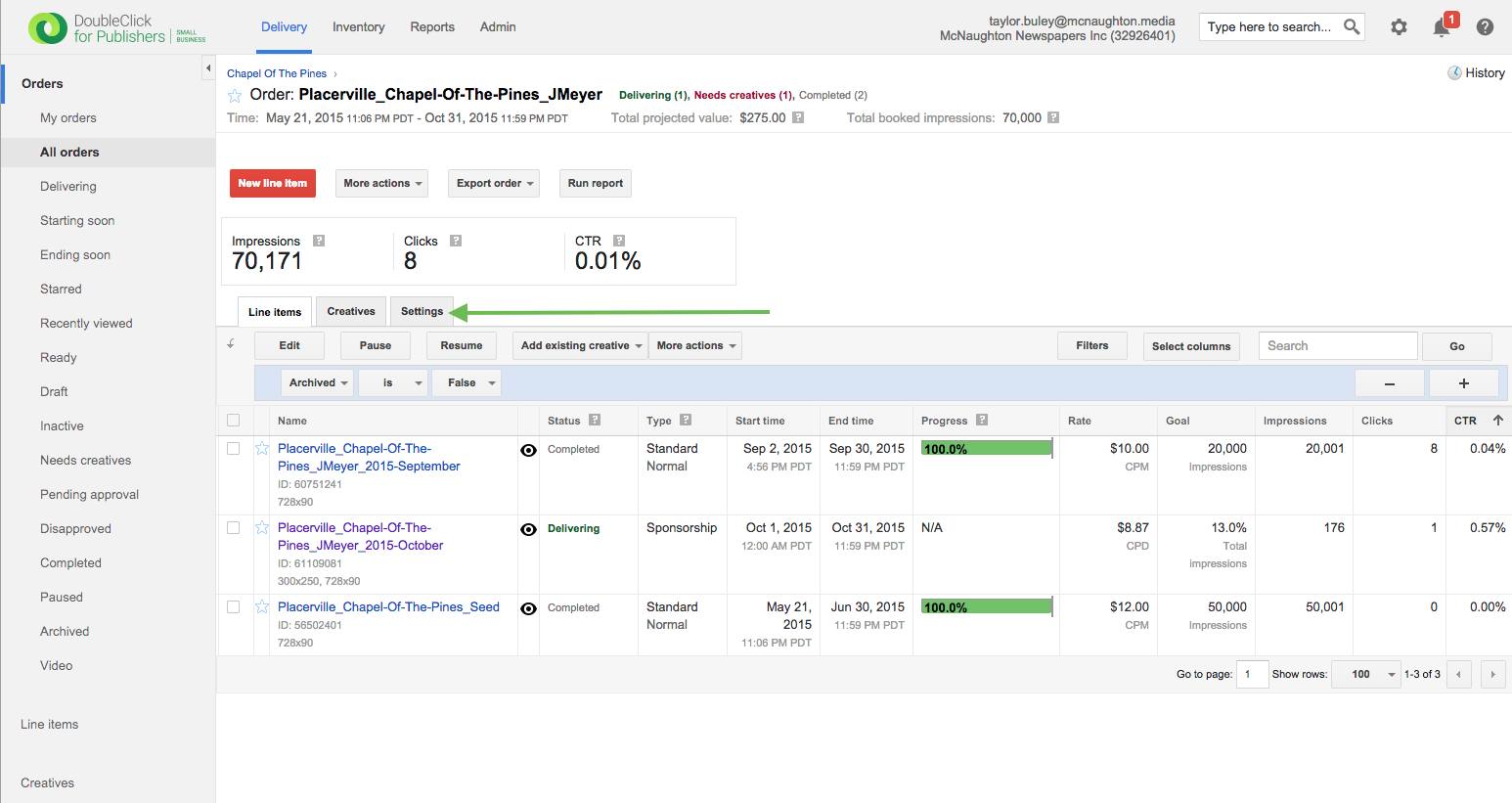
Step 0: Go to DFP and find the order you'd like to update. It's likely to appear under "My Orders", the default filter in the lefthand menu, but otherwise should be findable under "All Orders." You know you're looking at an Order when it says the word "Order" in bold in the upper breadcrumb area.
Step 1: Click the Order screen's "Settings" tab.
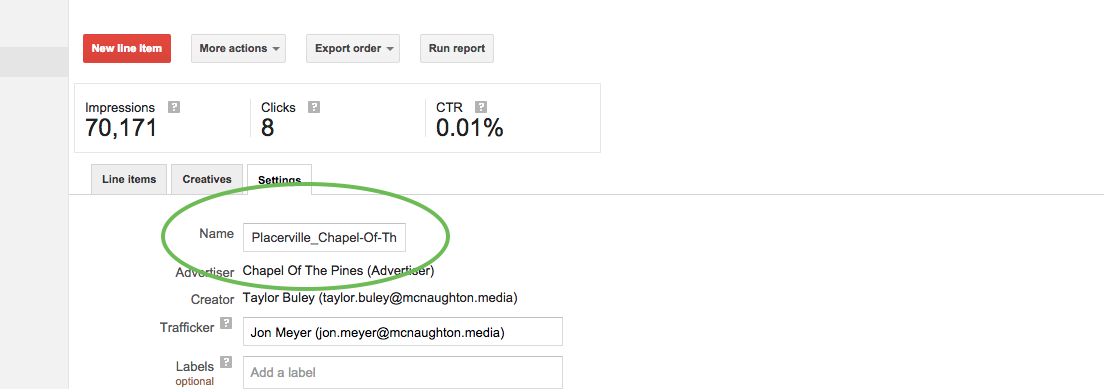
Step 2: Update the "Name" field to read as the value to which you'd like to update.
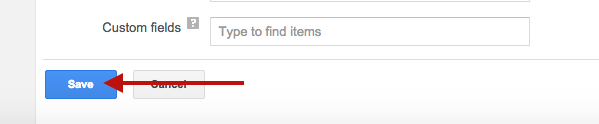
Step 3: Click the blue "Save" button at the bottom of the page.
0 Comments