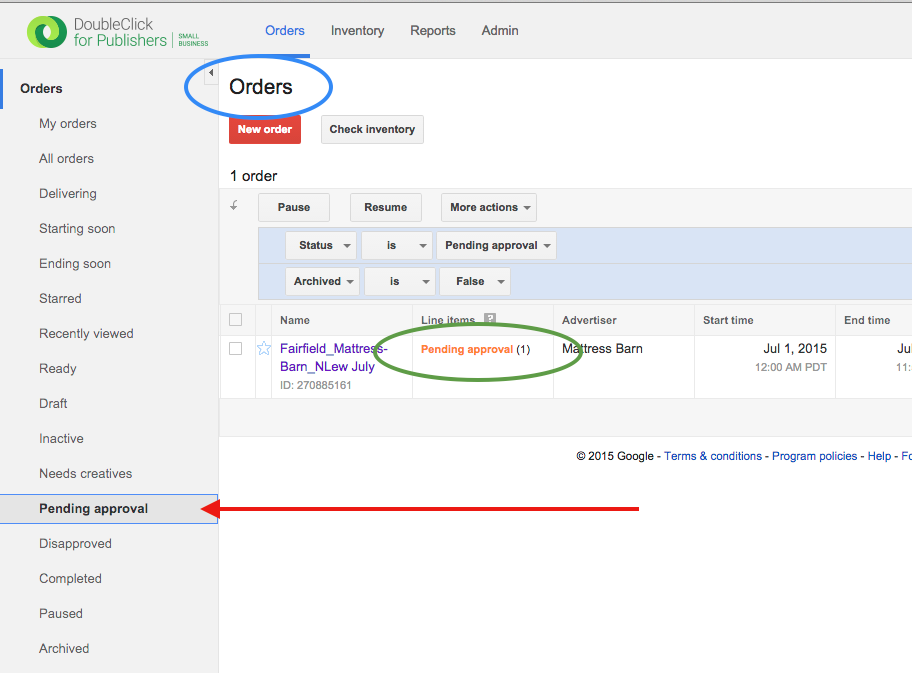
Step 0: Find the order you want to approve. You know you're looking at an order if the word "Order" is somewhere in the topmost title. If it says "Orders" you're looking at a bunch of Orders and need to click into one to view a single Order screen.
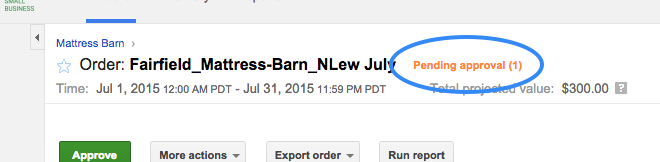
If an item is ready and really in need of approval it should have the "Pending approval" status in orange.
NOTE: Often the fastest way to get to an order in need of approval is to use the "Pending approval" tab in the lefthand sidebar. This presents an Orders screen from which you can click into an Order.
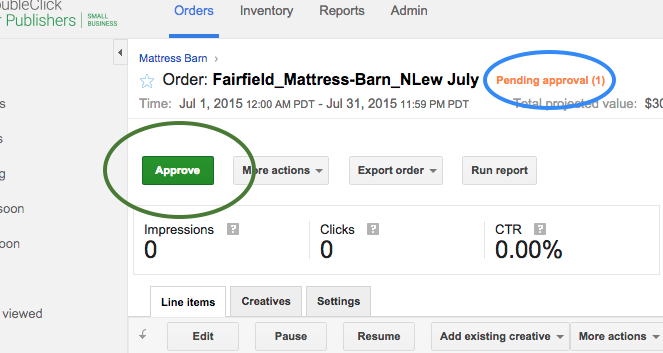
Step 1: Click the green "Approve" button.
0 Comments