Step 0: Find the Order that holds the Line Item you want to copy.
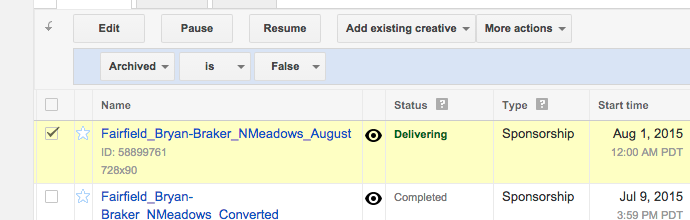
Step 1: Check the box next to the Line Item(s) you want to copy.
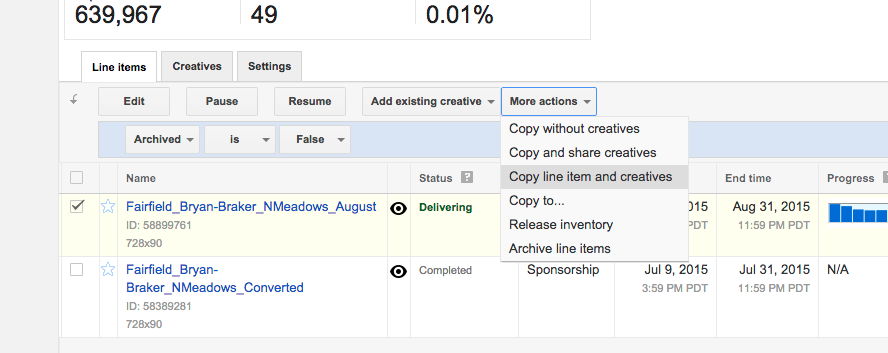
Step 2: Use the lower "More Actions" dropdown to select, e.g., "Copy line item and creatives."
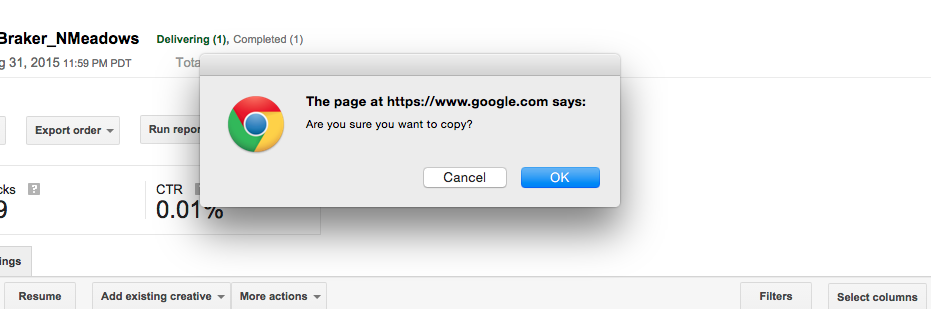
Step 3: Confirm you want to copy.
Step 4: Click into the new line item. You'll know it by the "(copy)" that appears at the end of its name.
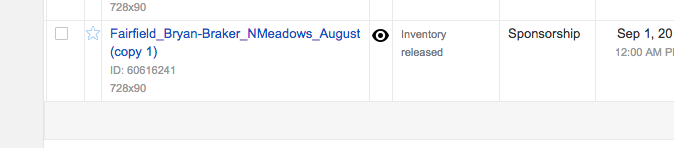
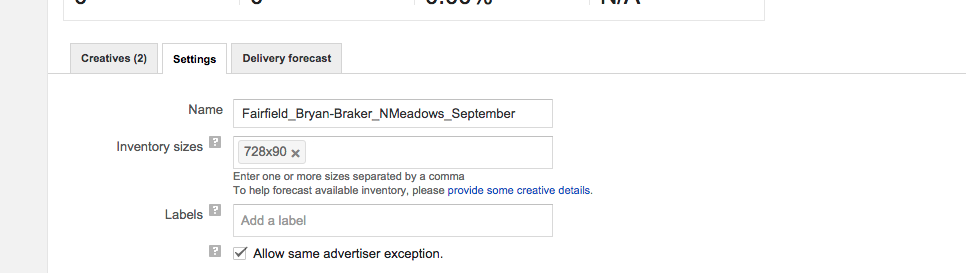
Step 5: Adjust the name, date of the Line Item, and anything else that differs between old and new item.

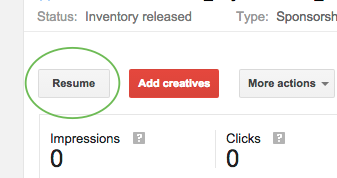
Step 6: Click "Resume." When the Line Item is ready to run the Status will go from "Inventory released" to "Ready" then "Delivering."
0 Comments