IMPORTANT: Your wallpaper MUST target the "Legacy_Leaderboard" ad unit. If you're unsure what this means, consult with your ad manager.
Step 0: Find the Line Item to which you'd like to add the Wallpaper creative. Make sure this ad is setup to use the "728x90" size. This is not the size of the wallpaper (the wallpaper is very large) but it's the size DFP uses to get the wallpaper on the page.

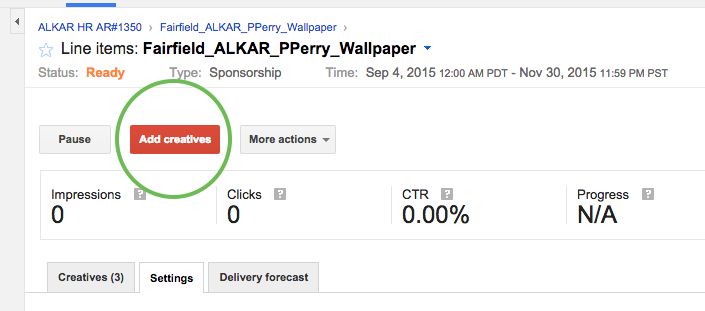
Step 1: Click the "Add Creatives" button.
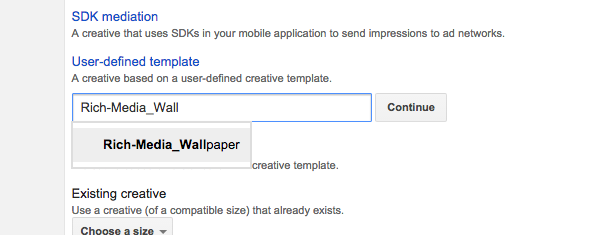
Step 2: From the creatives type options, click "User-defined Template", type "Rich-Media_Wallpaper" then click "Continue"
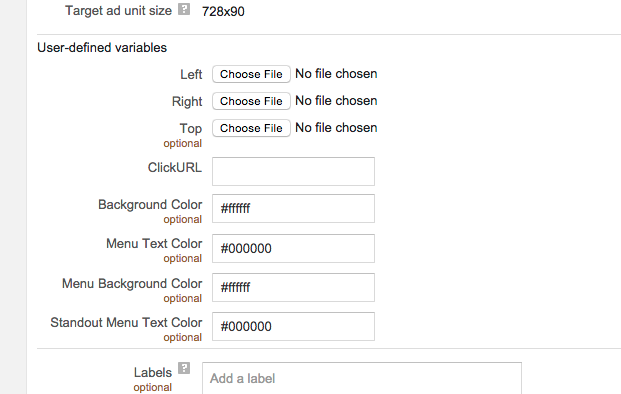
Step 3: Fill out the required creative elements, including Left image, Right image and Top image along with the ad destination for taps. Then hit the "Save" button.
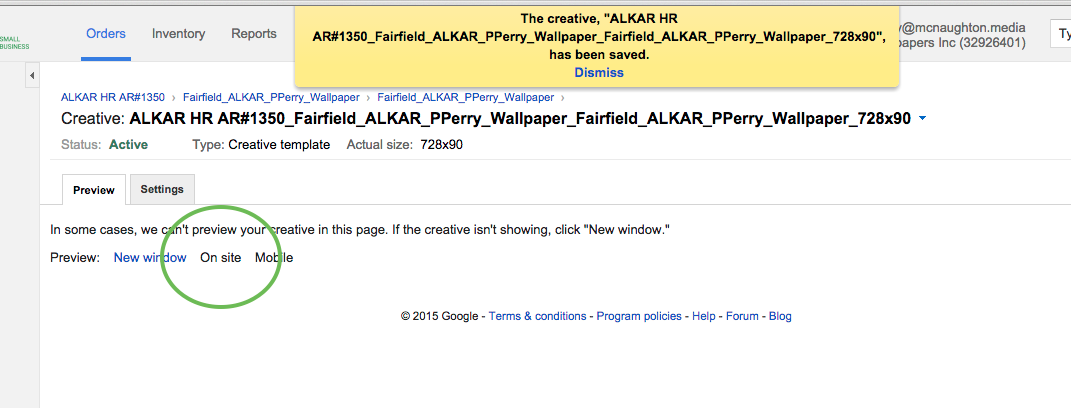
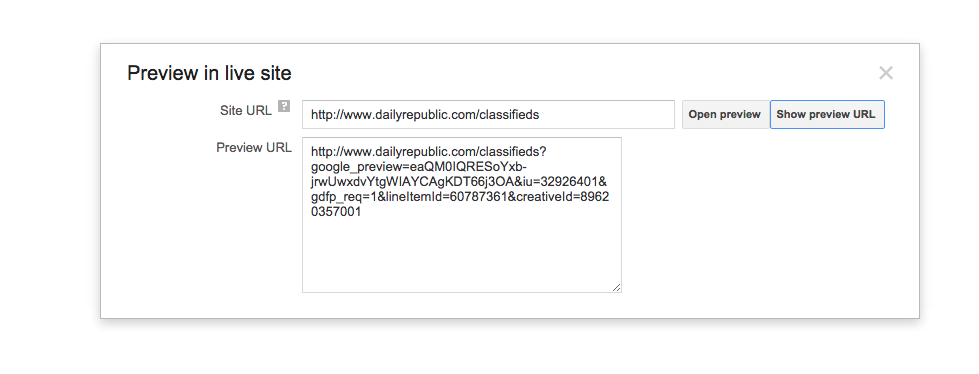
Step 4: Preview the creative. If it doesn't look right, it isn't ready.
0 Comments