Pro Tip: If you're ever looking into a page - there's a "secret" parameter you can add to any url: "?google_force_console" e.g. http://www.
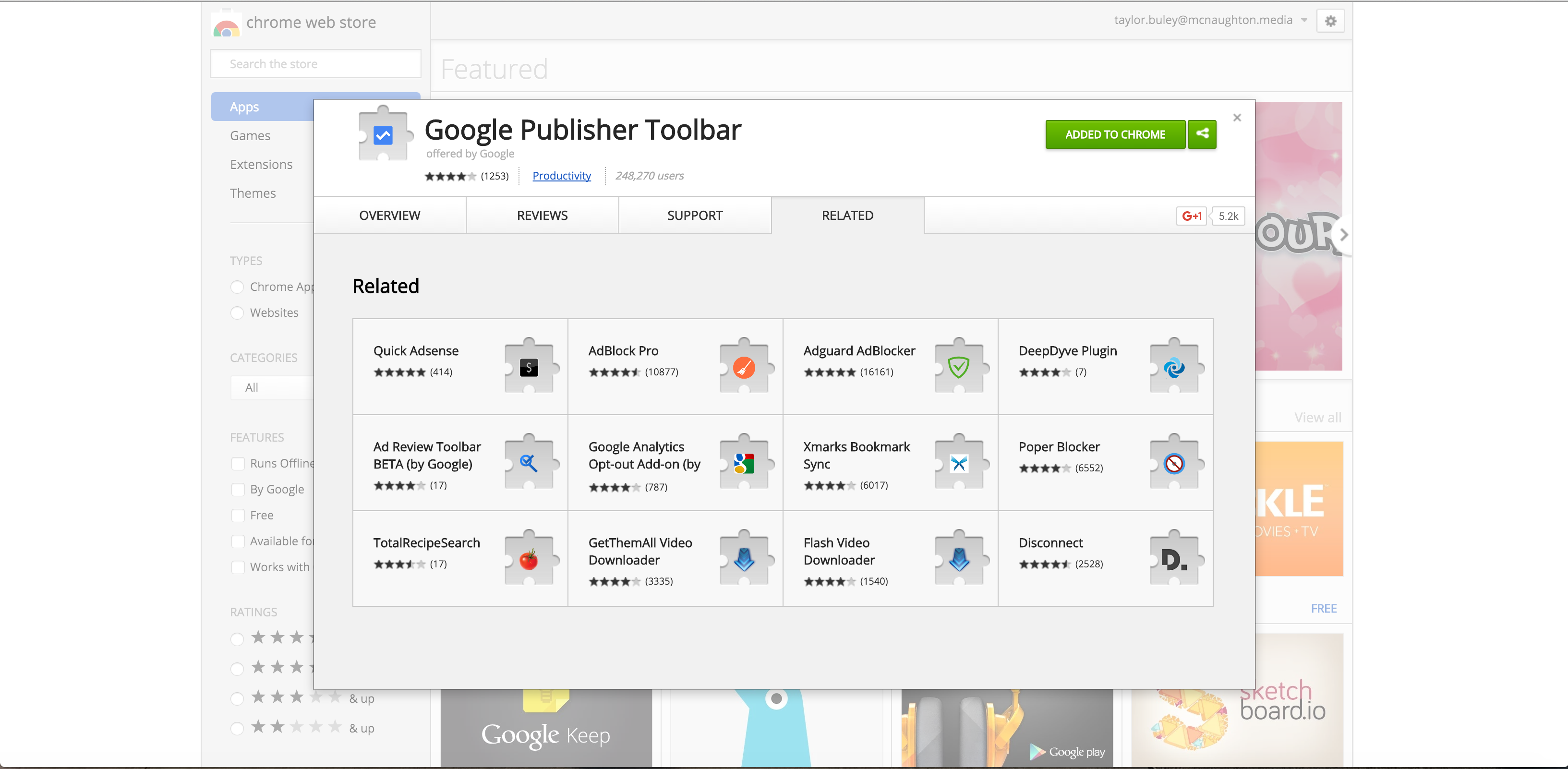
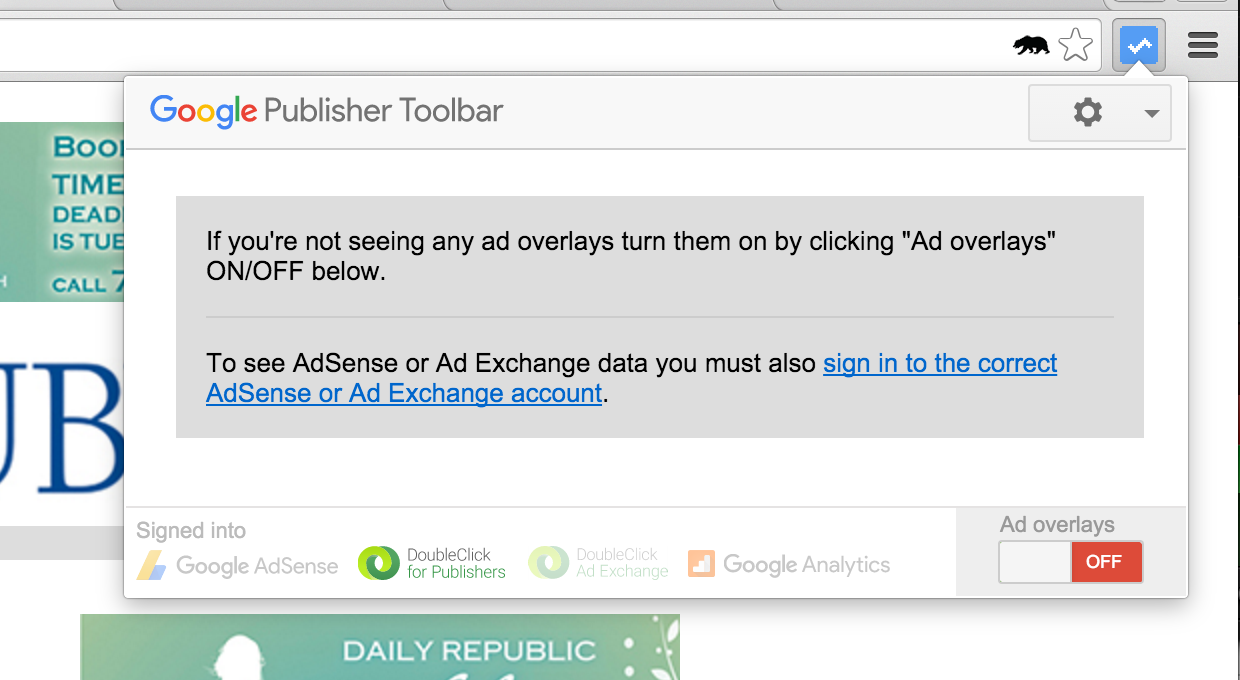
Step 0: Install the Google Publisher Toolbar in Chrome to add overlays that let you track down which ads came from which orders and line items.
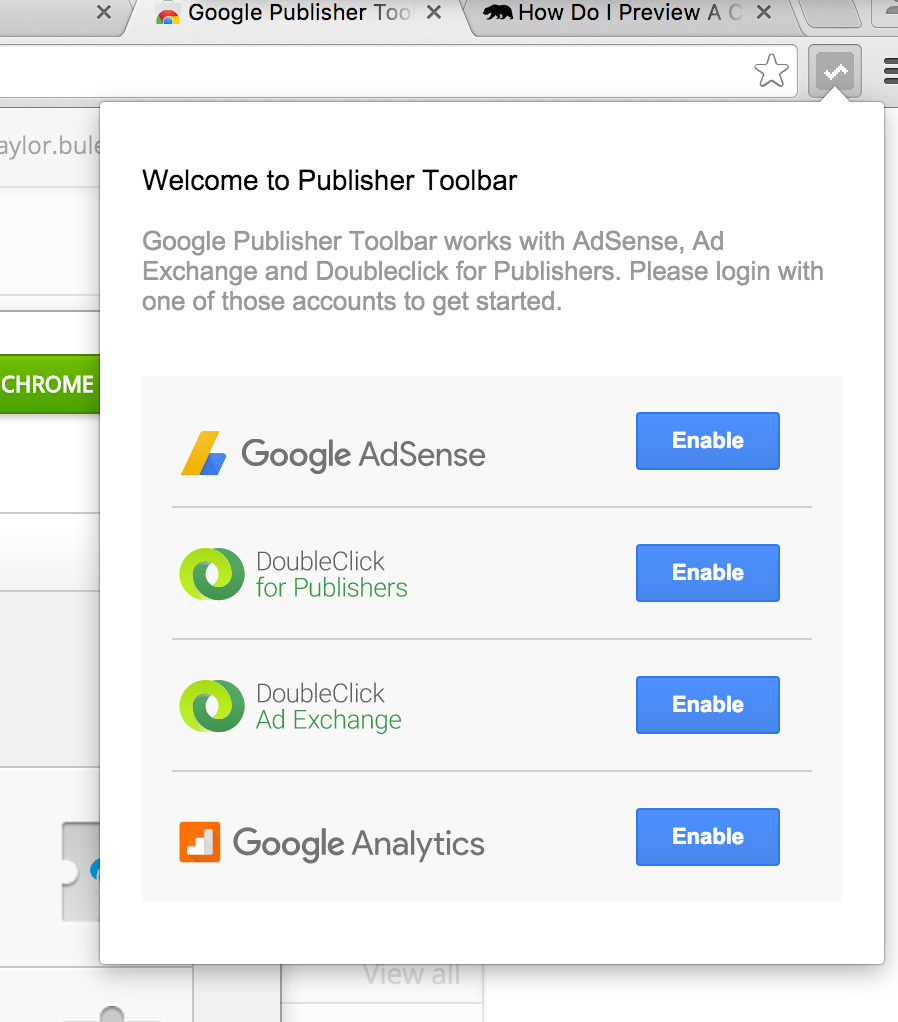
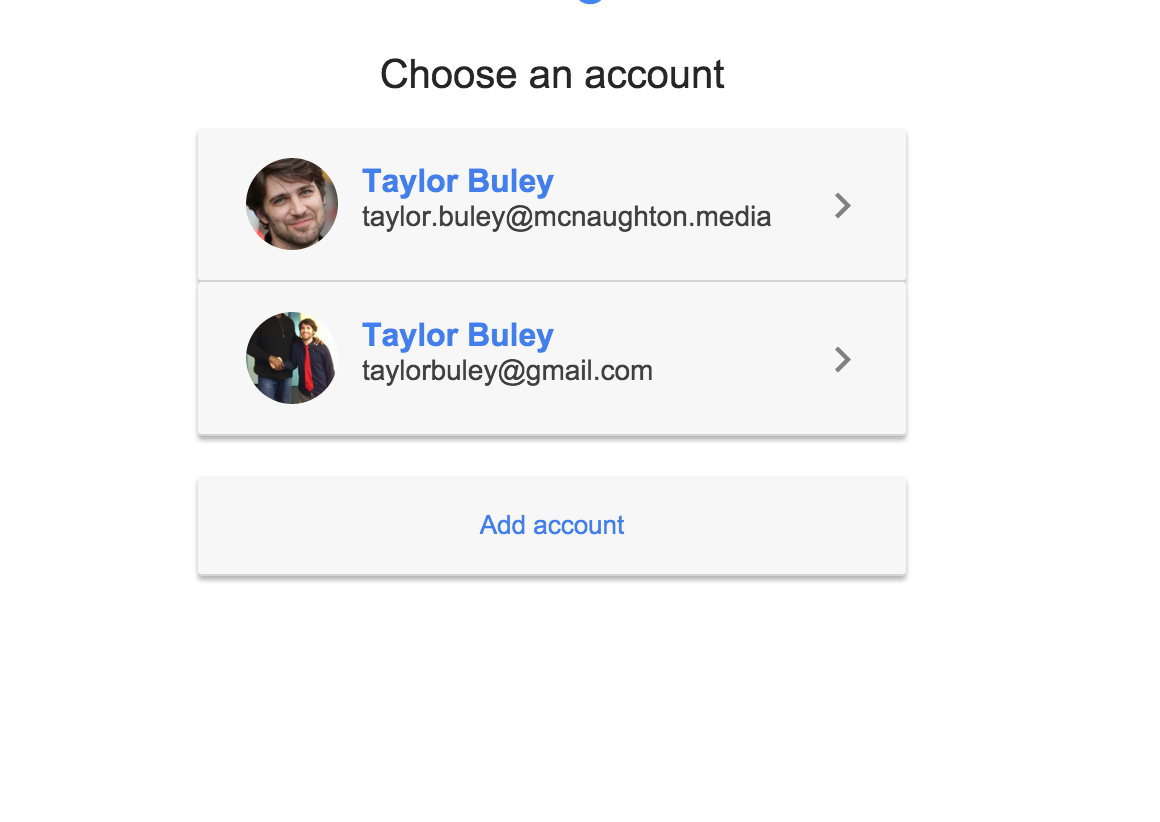
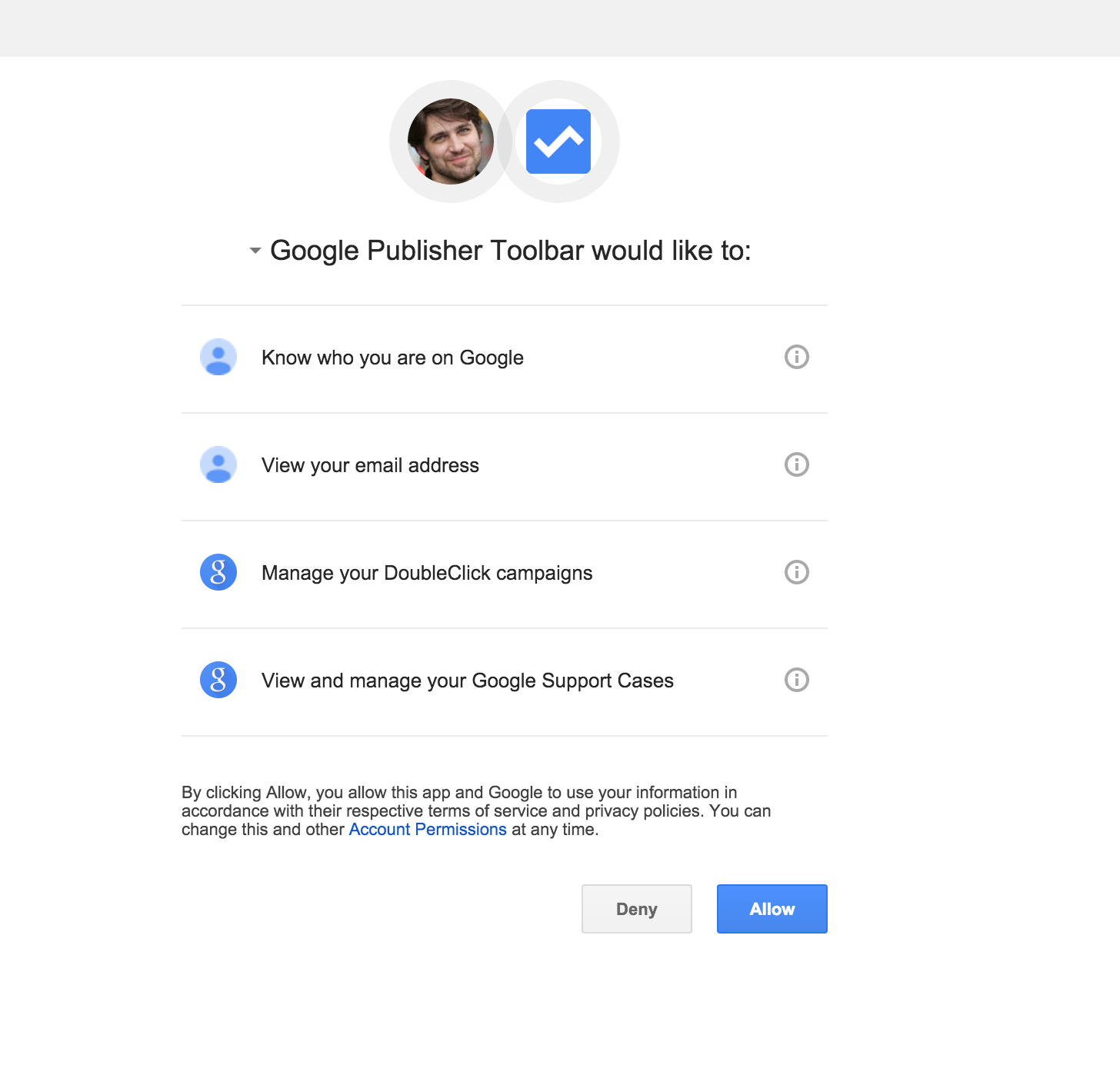
You then have to setup the toolbar to access our "Doubleclick for Publishers" account via your Google for Work account.
Step 2: Finally, enable the ad overlays using the "Ad overlays" toggle.
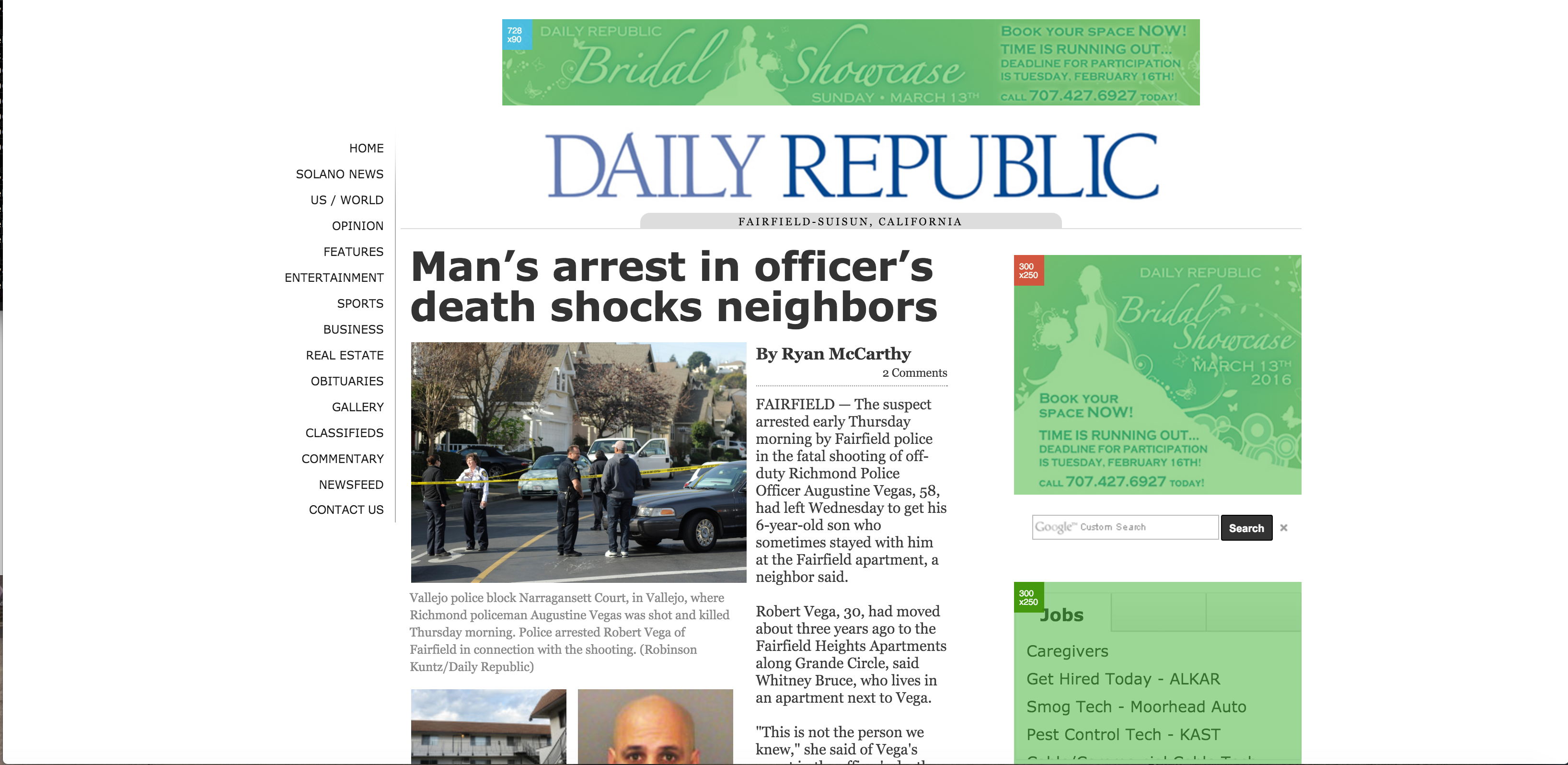
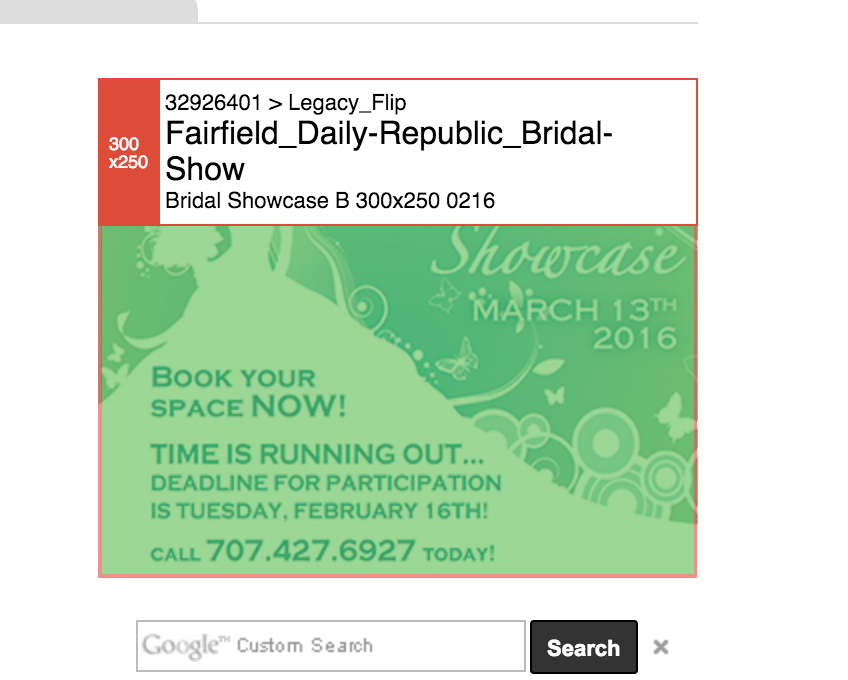
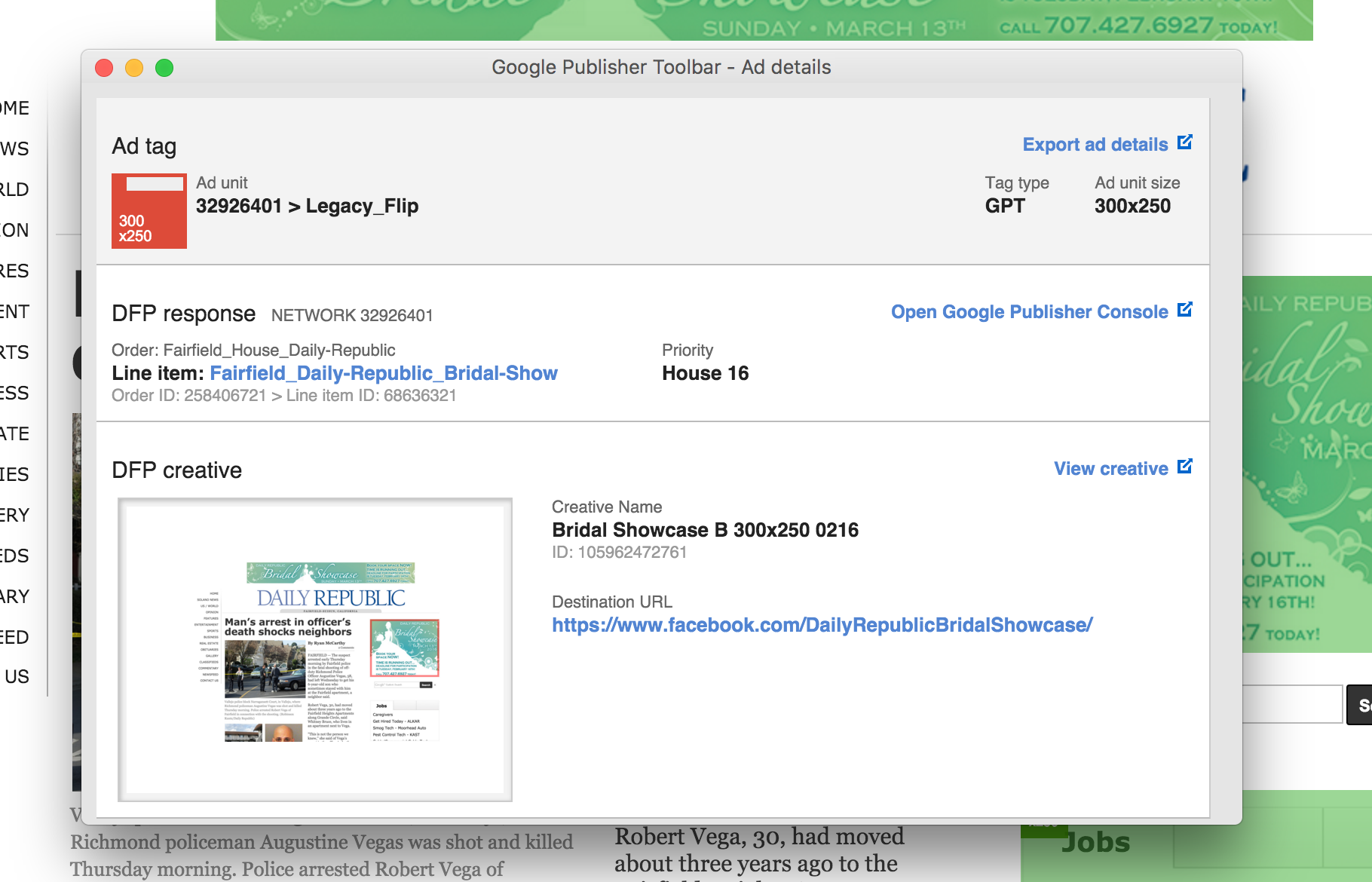
Step 3: You can now safely click on ads to learn more about them.
0 Comments