Step 0: Any targeting that doesn't come shipped with DFP by default is called "custom targeting." You can find this in the "Add targeting" area of the Line Item screen.
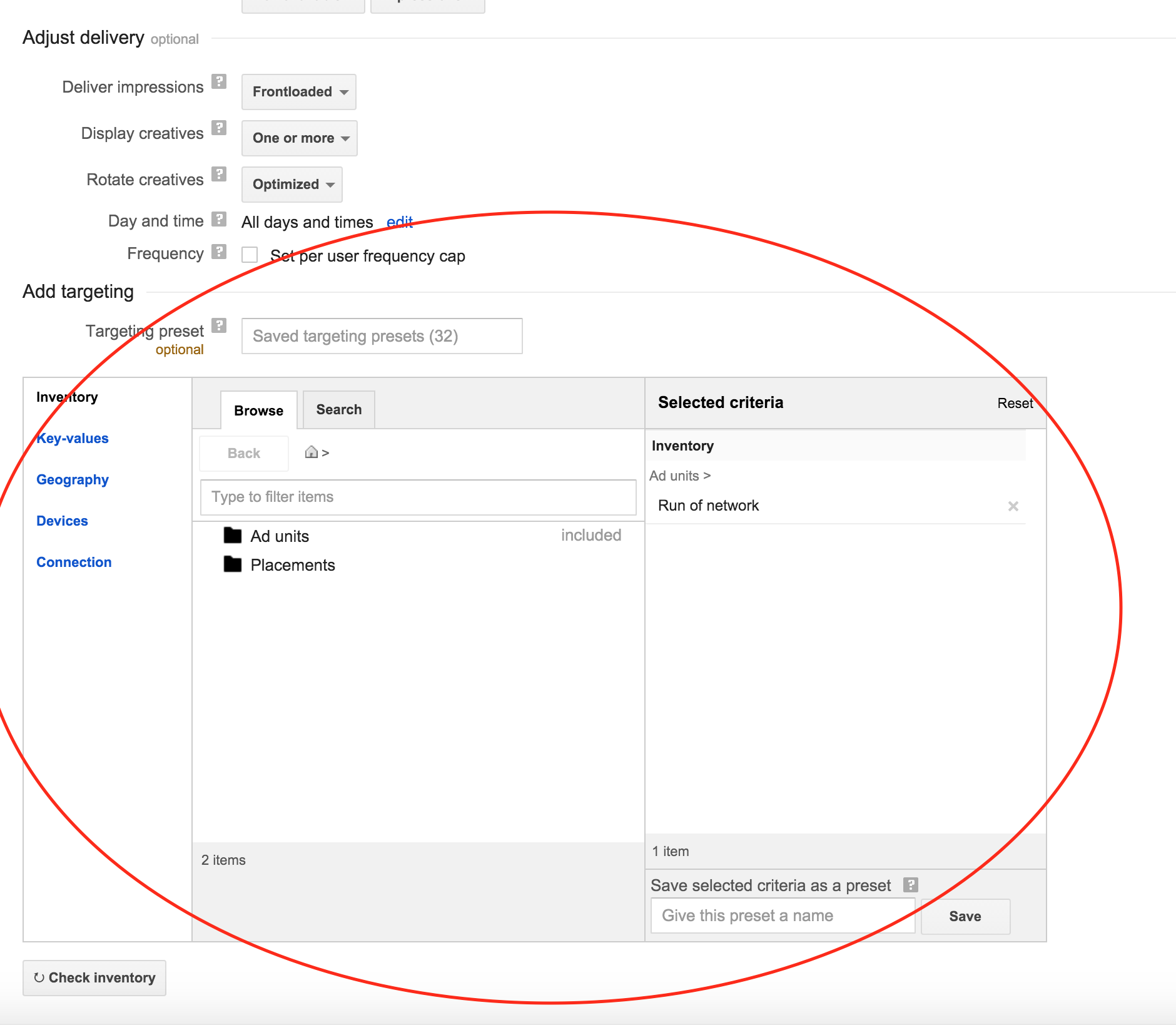
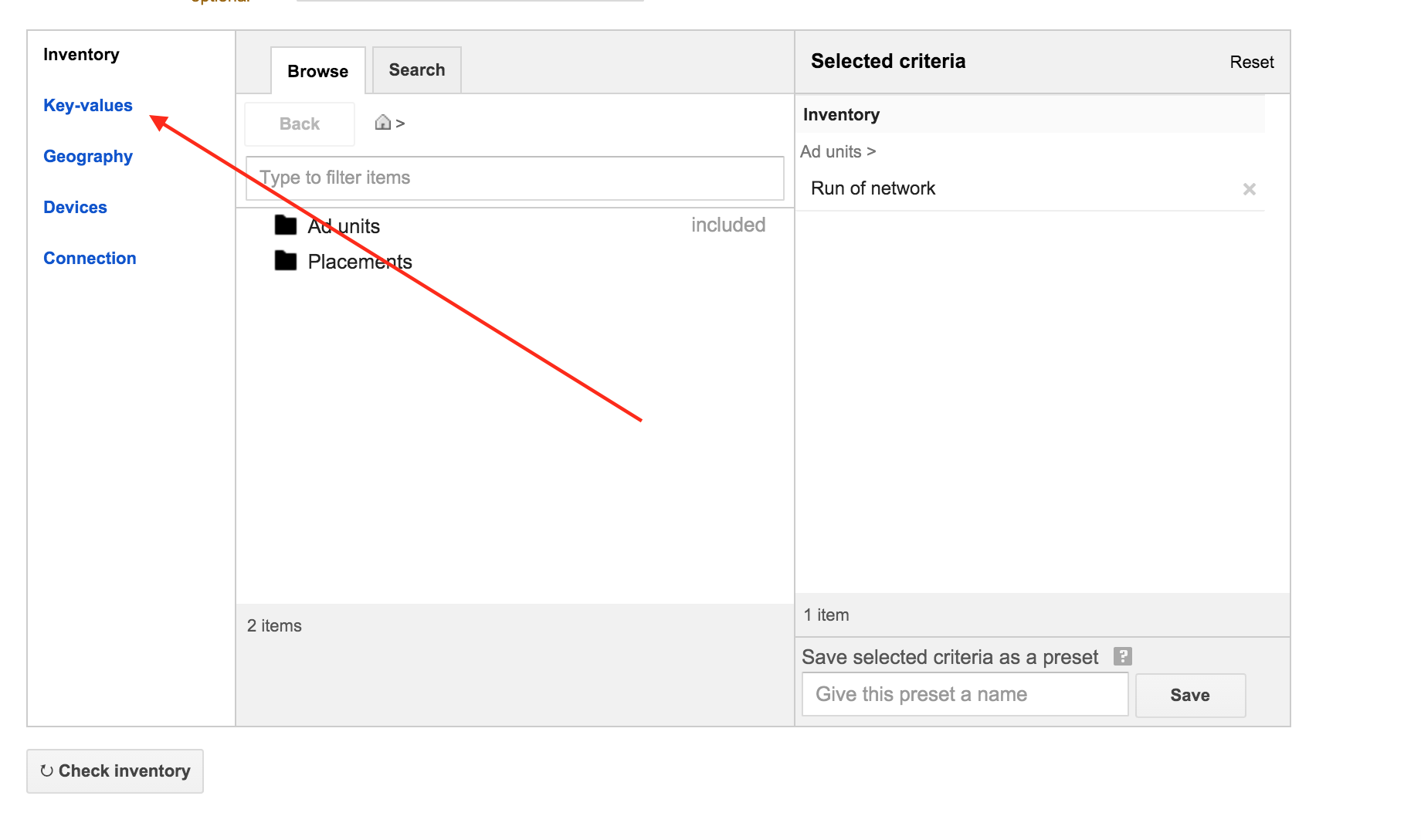
Step 1: Click into the "Key-values" tab.
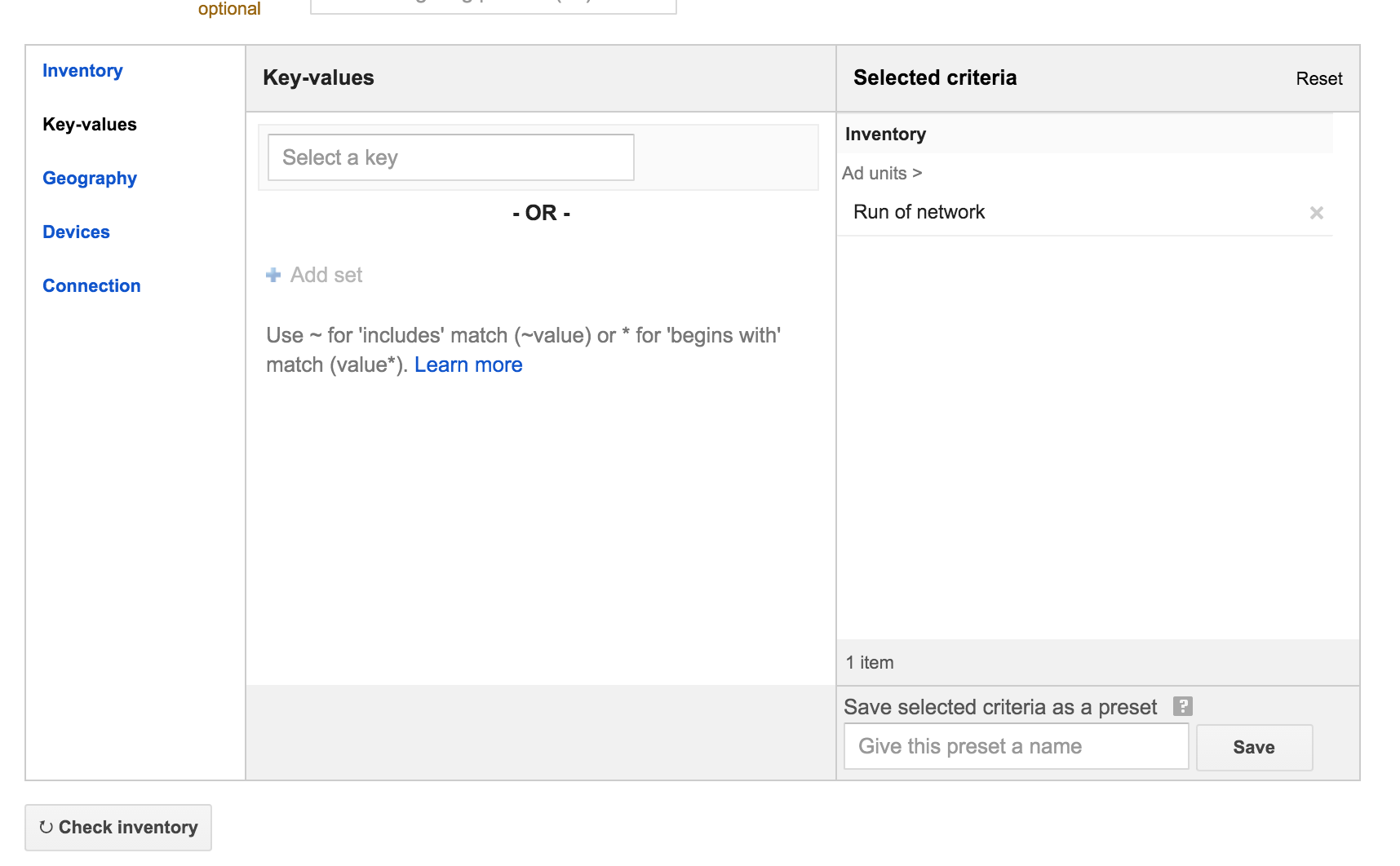
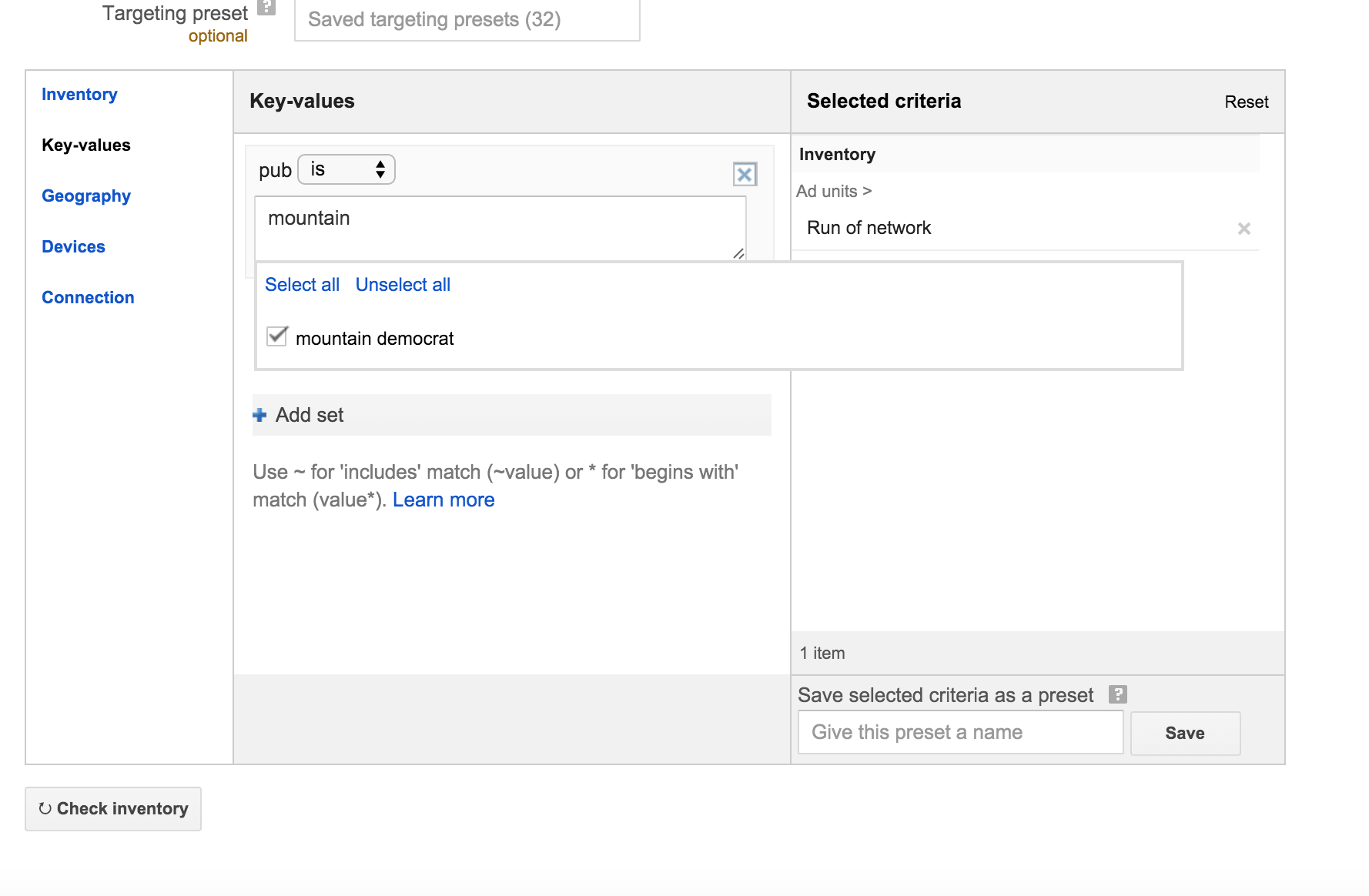
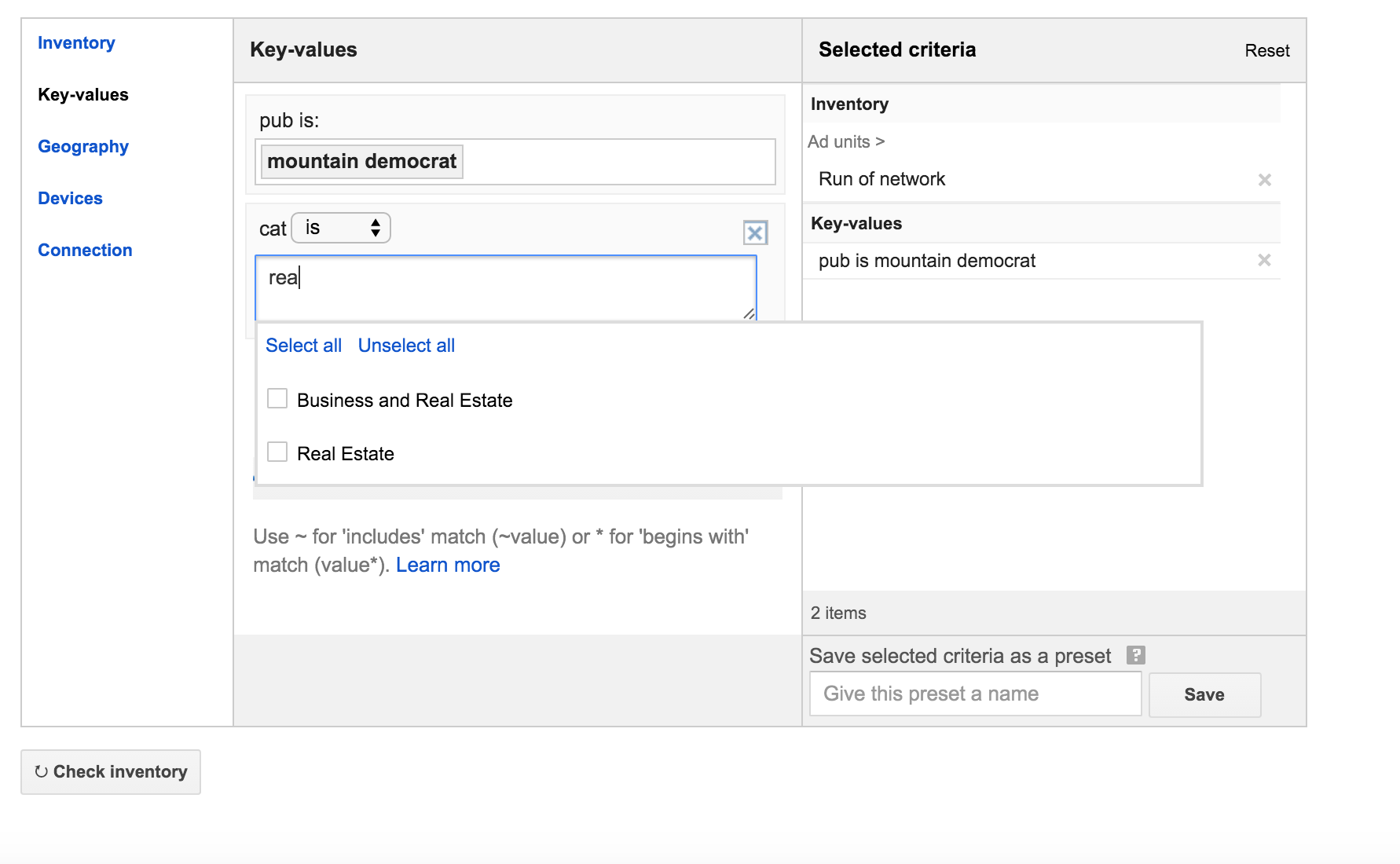
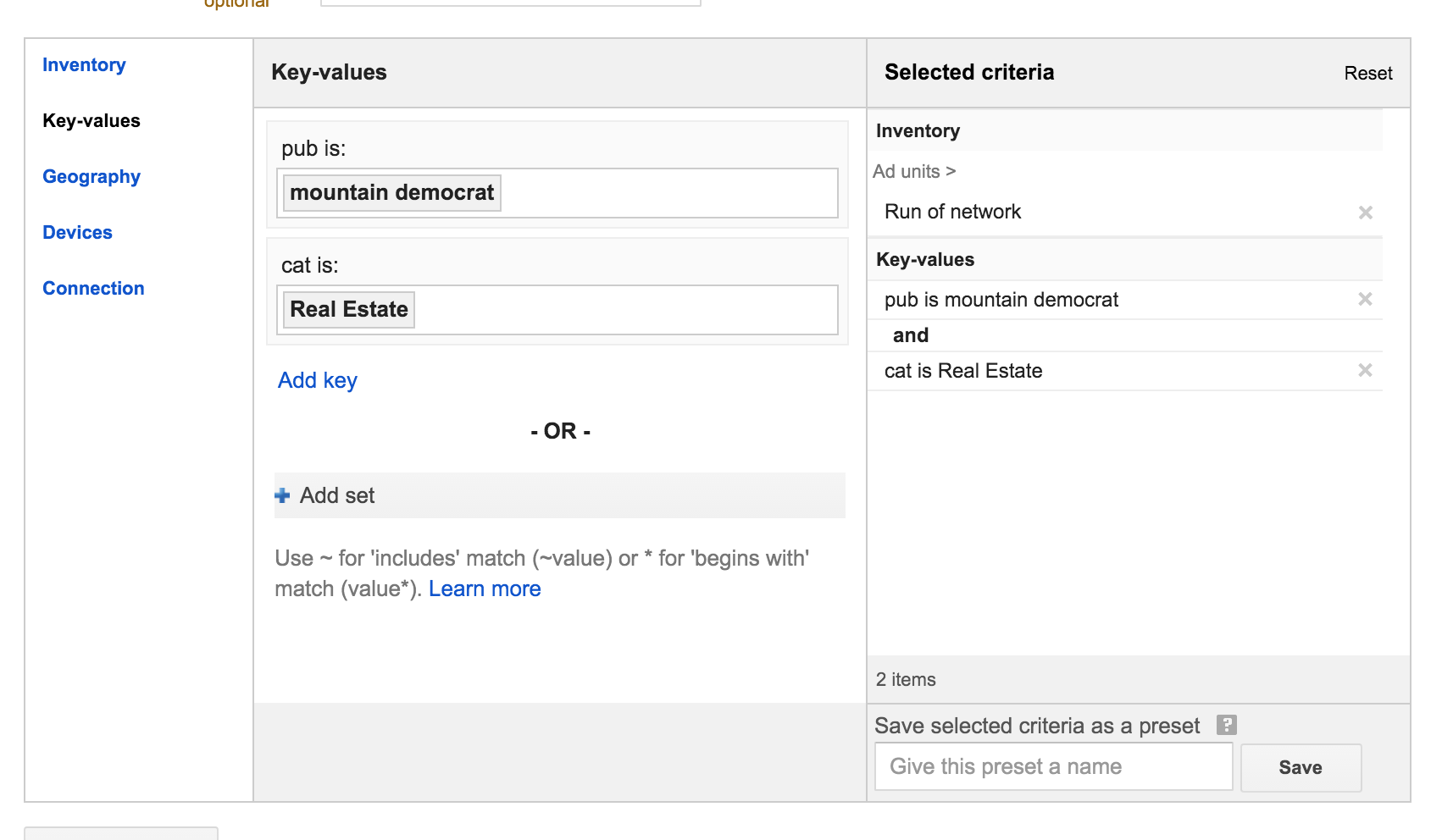
Step 2: Start typing the "keys" and "values" you want to use. Our custom keys include "pub" (for publication targeting) and "cat" (for category targeting), among others.
Note: If someone has already used a key or value, it will appear automatically in via the typeahead list. If so, you can simply just check the box.
If nobody has used this key before nothing will appear. This is OK. Just type the key or value then click anywhere else on the page to leave editing mode.
0 Comments