Most sales related users can see a "History" link that pops all changes to a Line Item or Order. If you can't see this, ask a DFP administrator about adding the right.
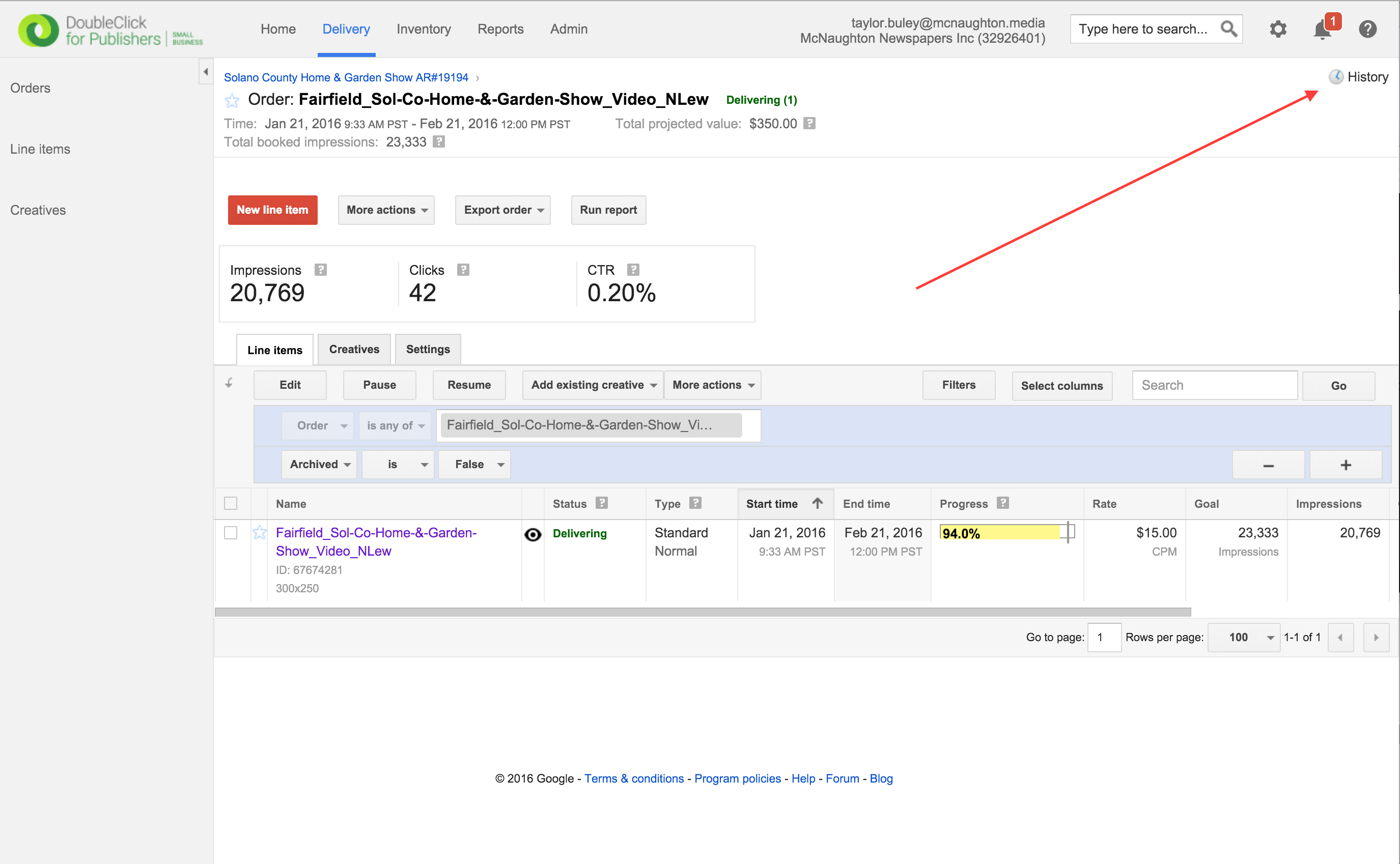
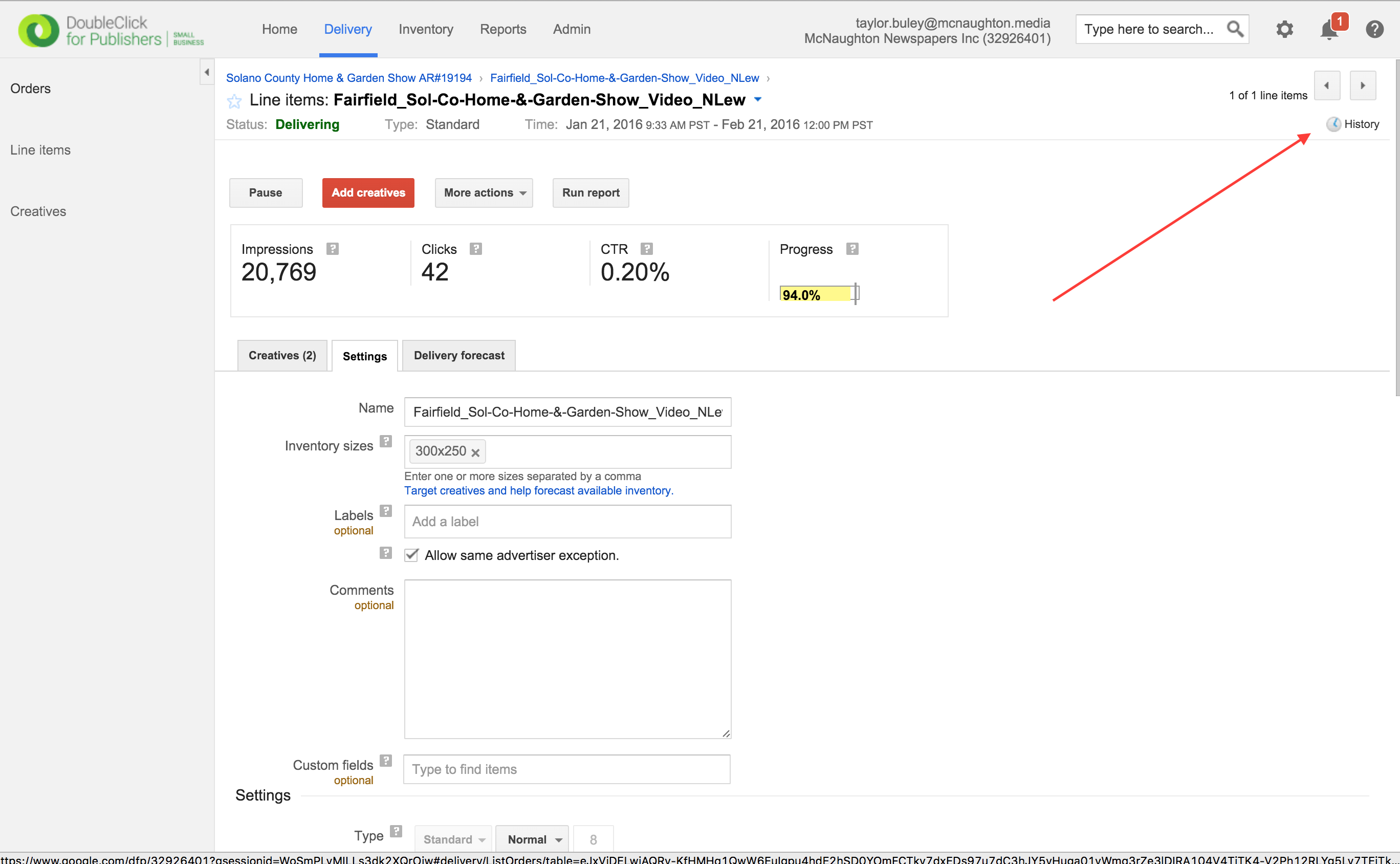
Step 0: From an Order (1st image below) or Line Item (2nd image below), click the "History" Link in the upper right-hand corner
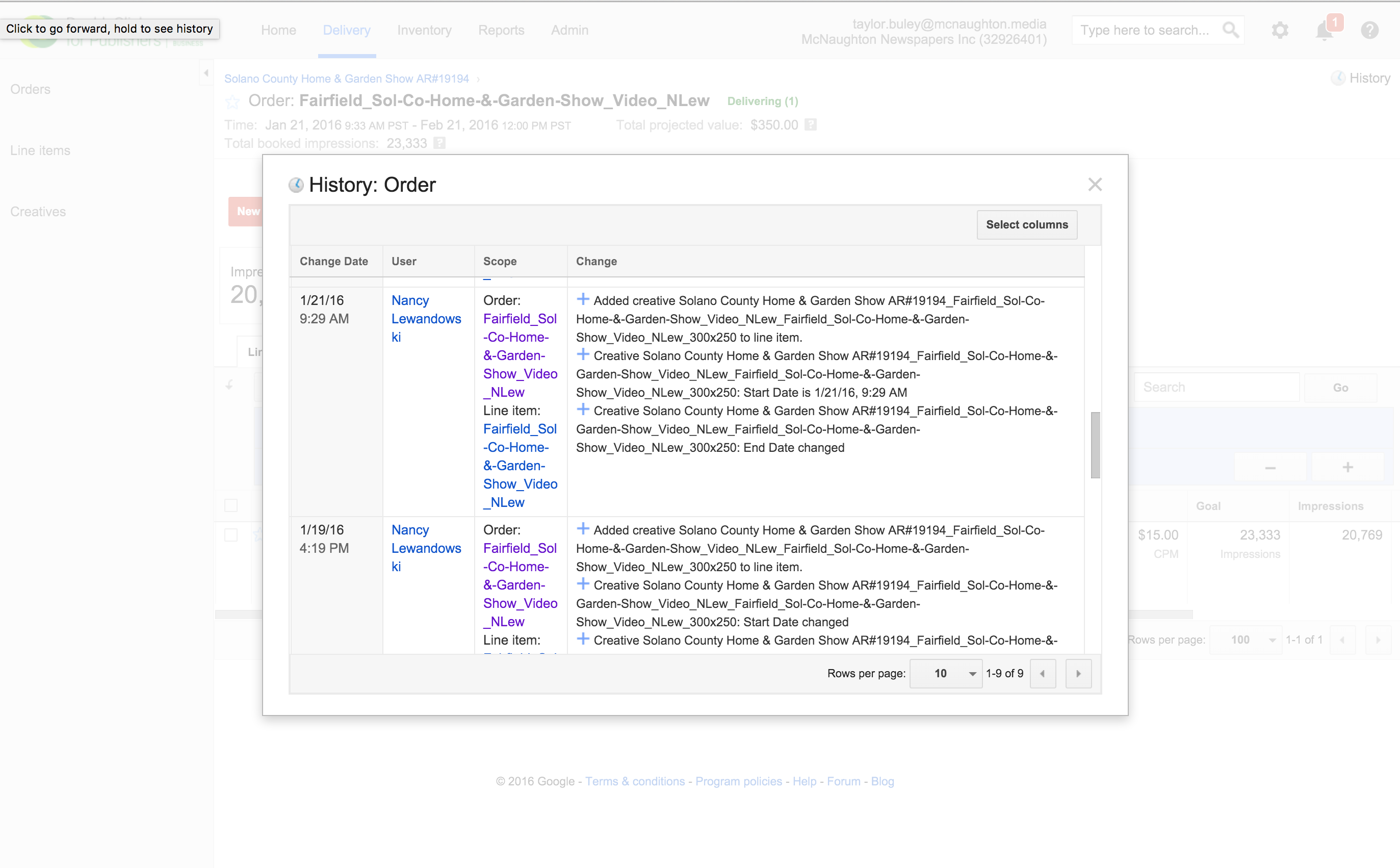
This is what the changes screen looks like:
0 Comments