Step 0: Find the line item on which the creatives are attached.
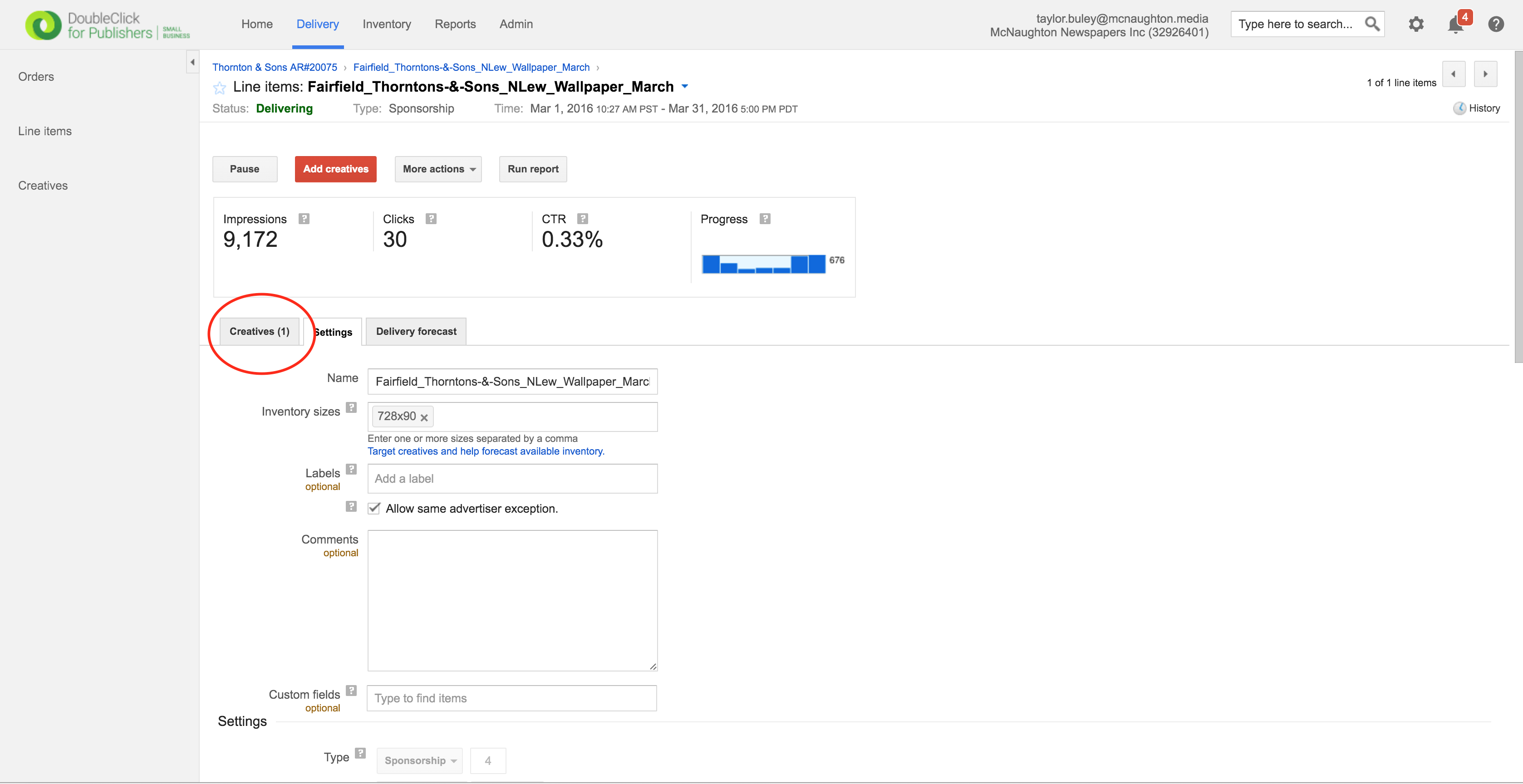
Step 1: Click the "Creatives" tab
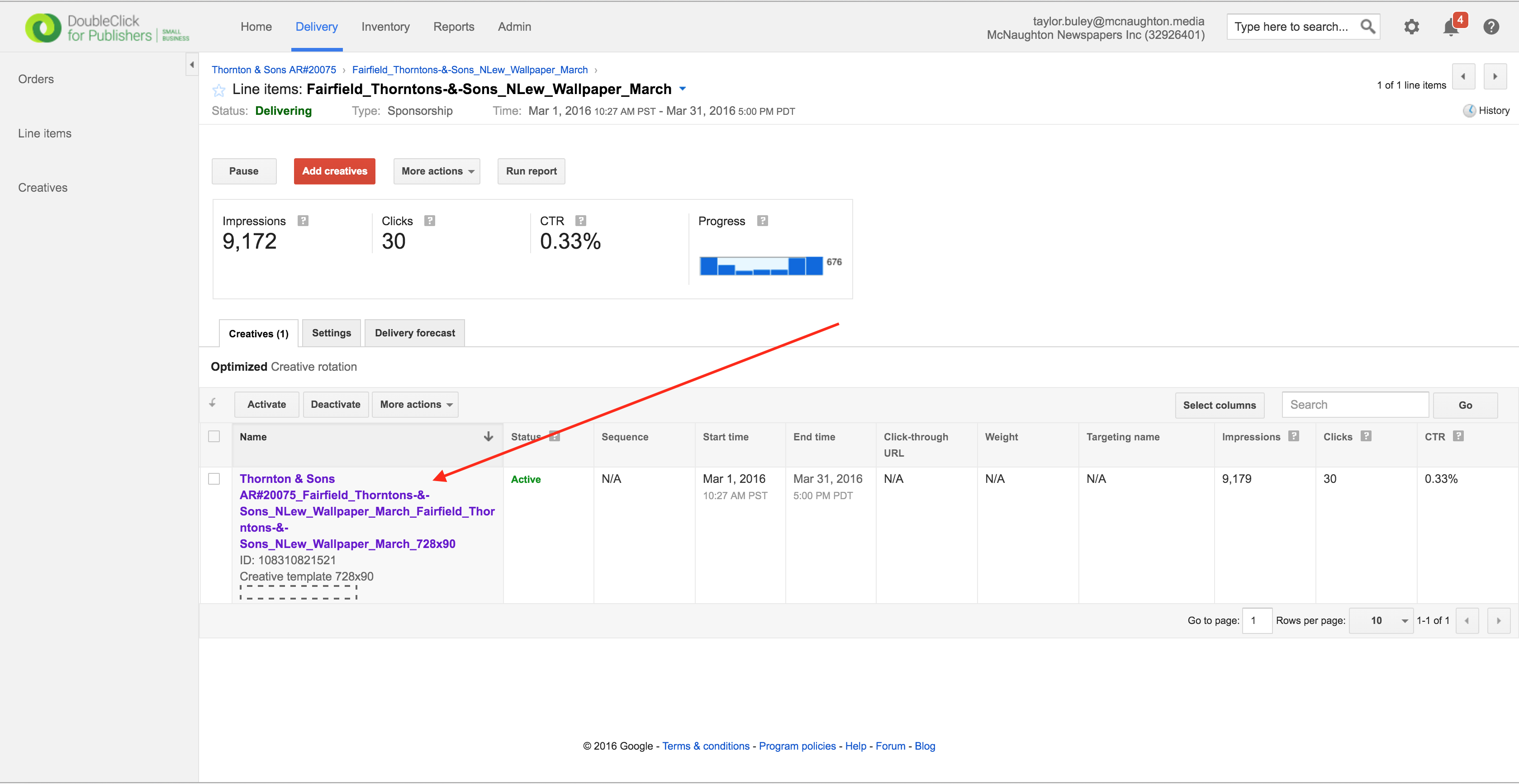
Step 2: Click the Creative whose settings you'd like to update.
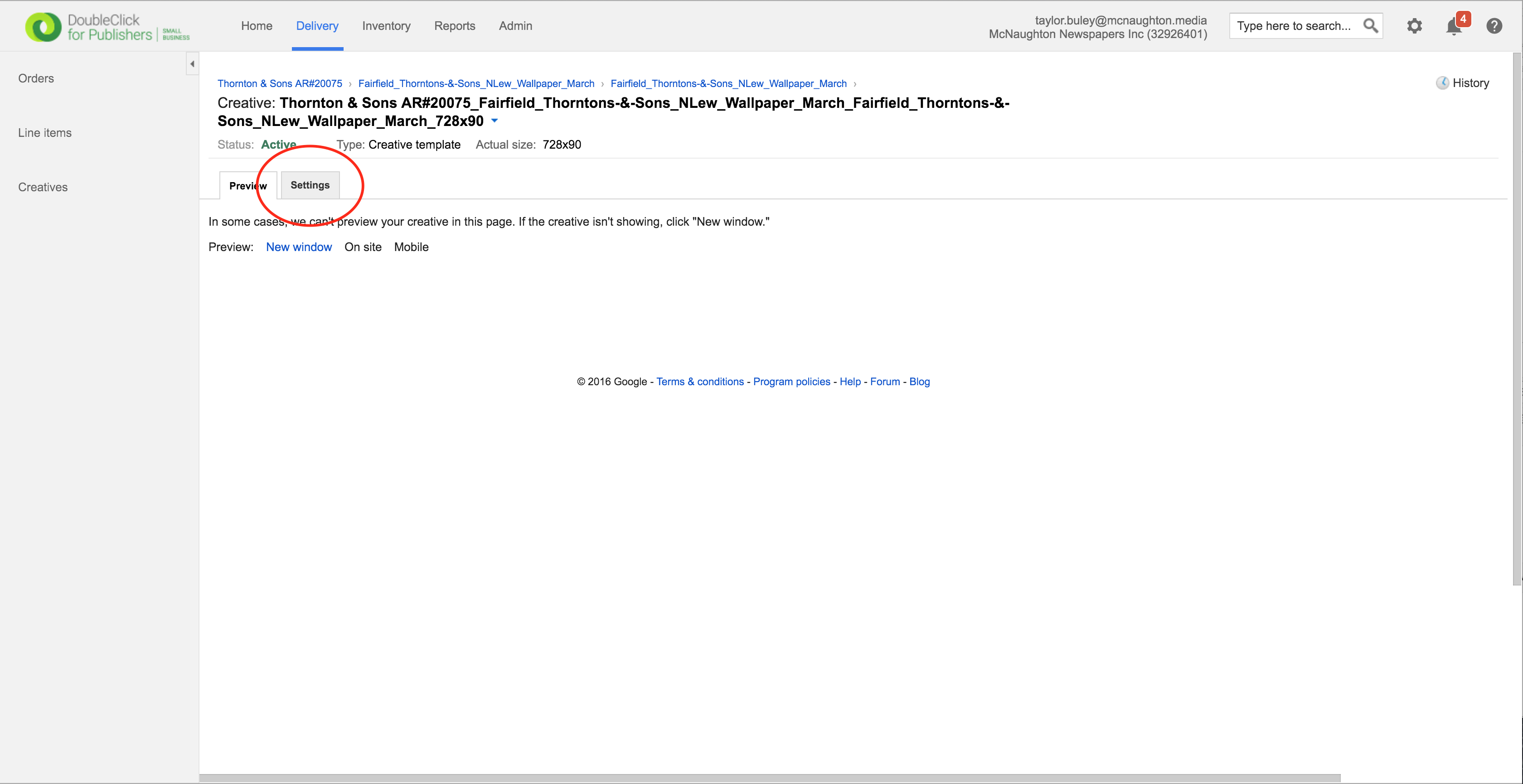
Step 3: Click the Settings tab
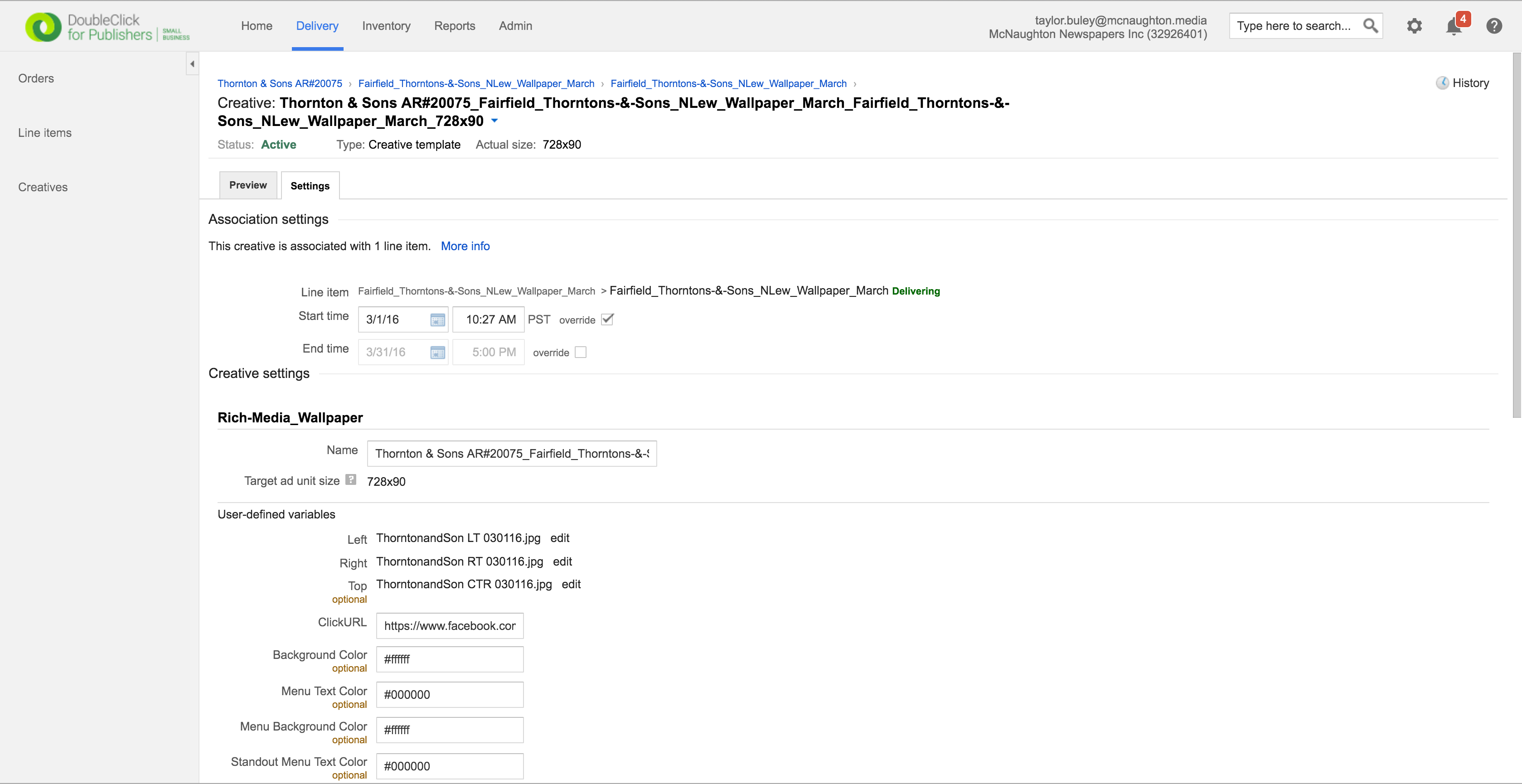
Step 3: Update the Settings
Step 4: Click the blue Save at the bottom of the page
0 Comments