Step 0: Find the line item
Step 1: Go to the targeting section, labeled "Add targeting" and click the relevant tab.
- Ad unit exclusions (e.g. no top banner) use "Inventory"
- Geotargeting exclusions (e.g. no California) use "Geography"
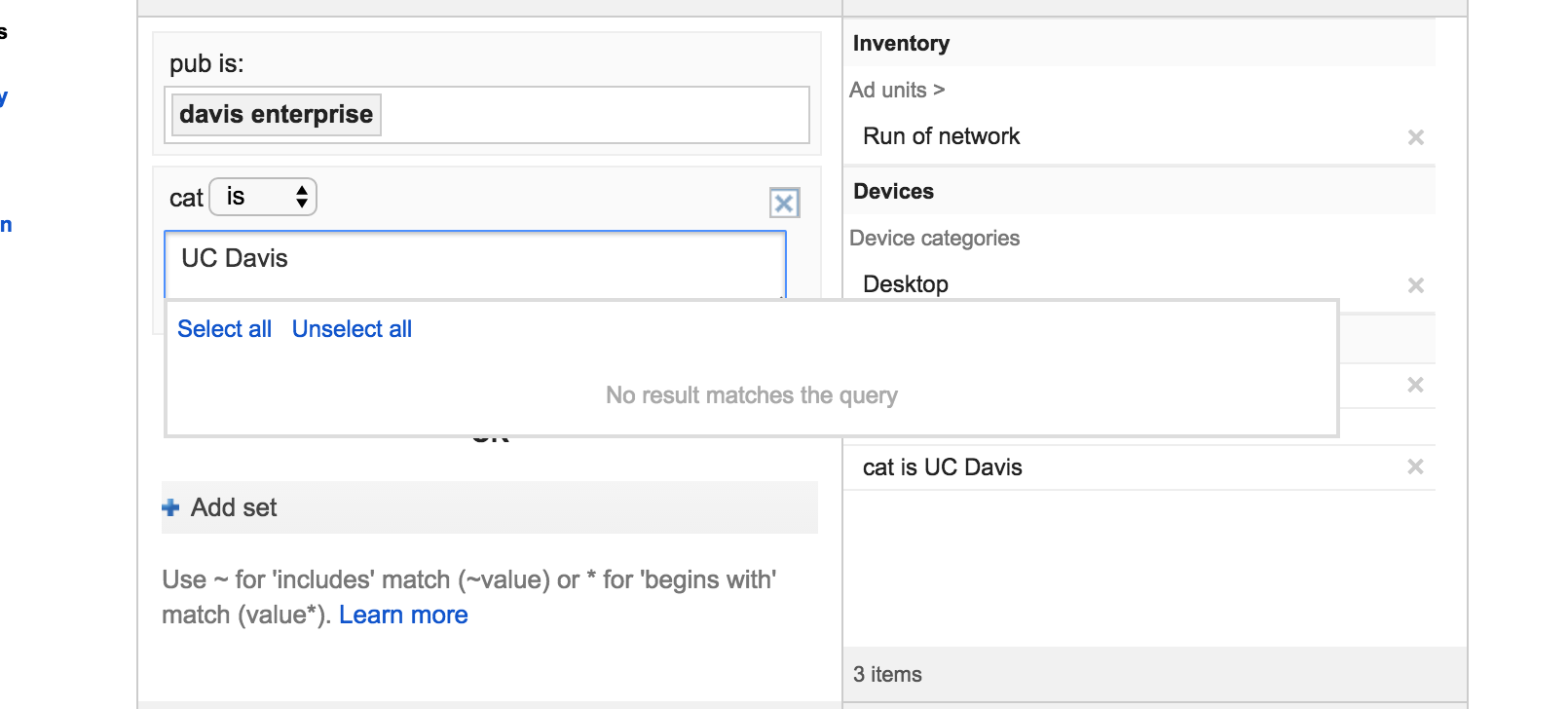
- Category or author exclusions (e.g. no "UC Davis") use "Key-values"
Step 2: Add the exclusion. Previously used values are available in the drop-down. New exclusions will have to be free typed.
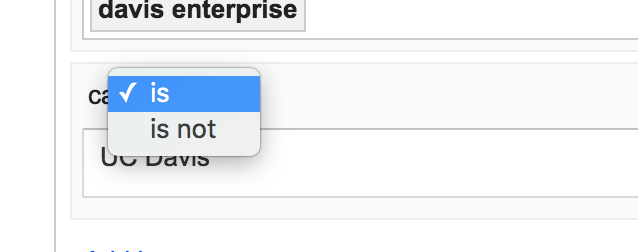
Step 3: Toggle the exclusion from "is" to "is not"
0 Comments