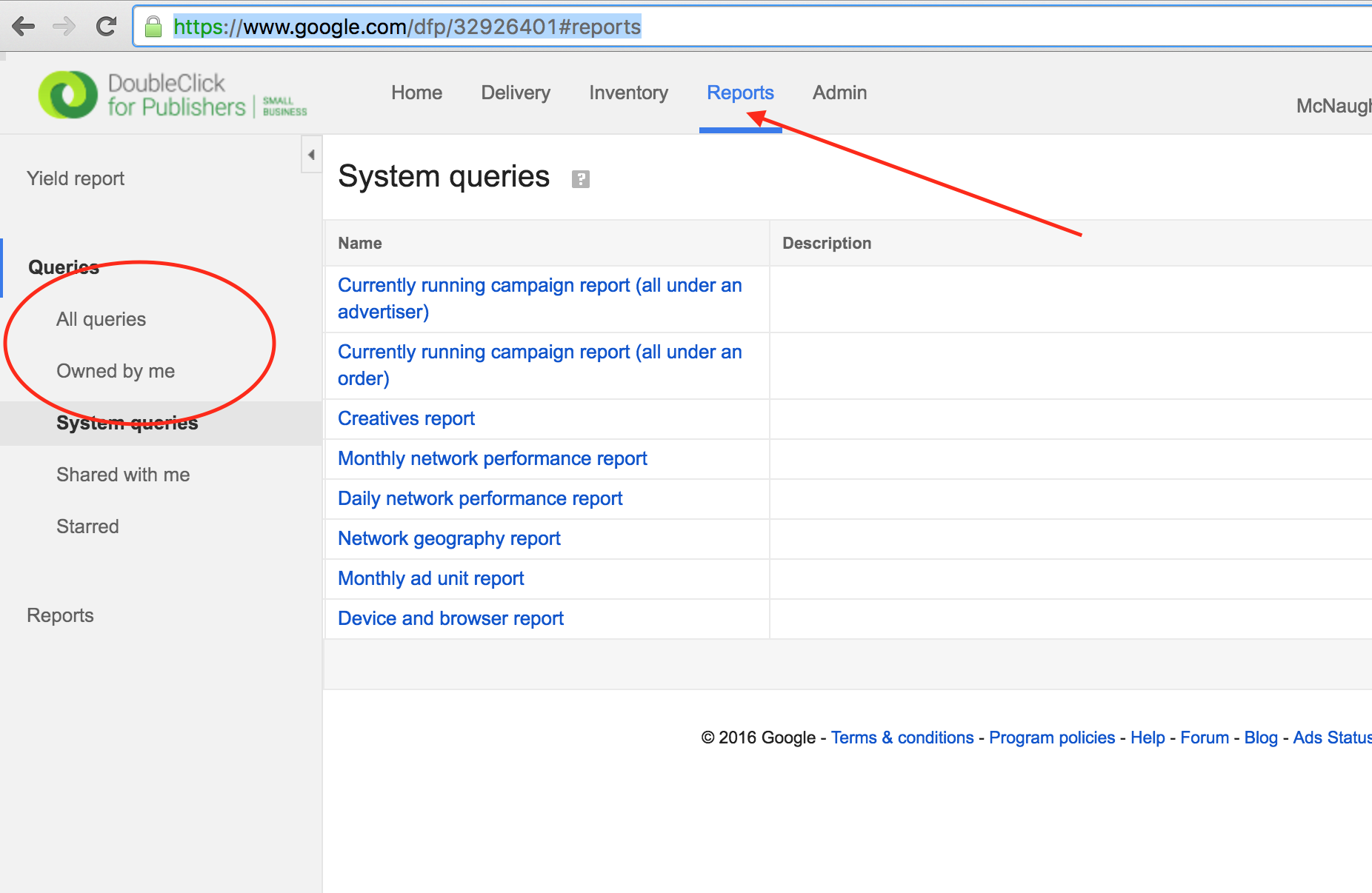
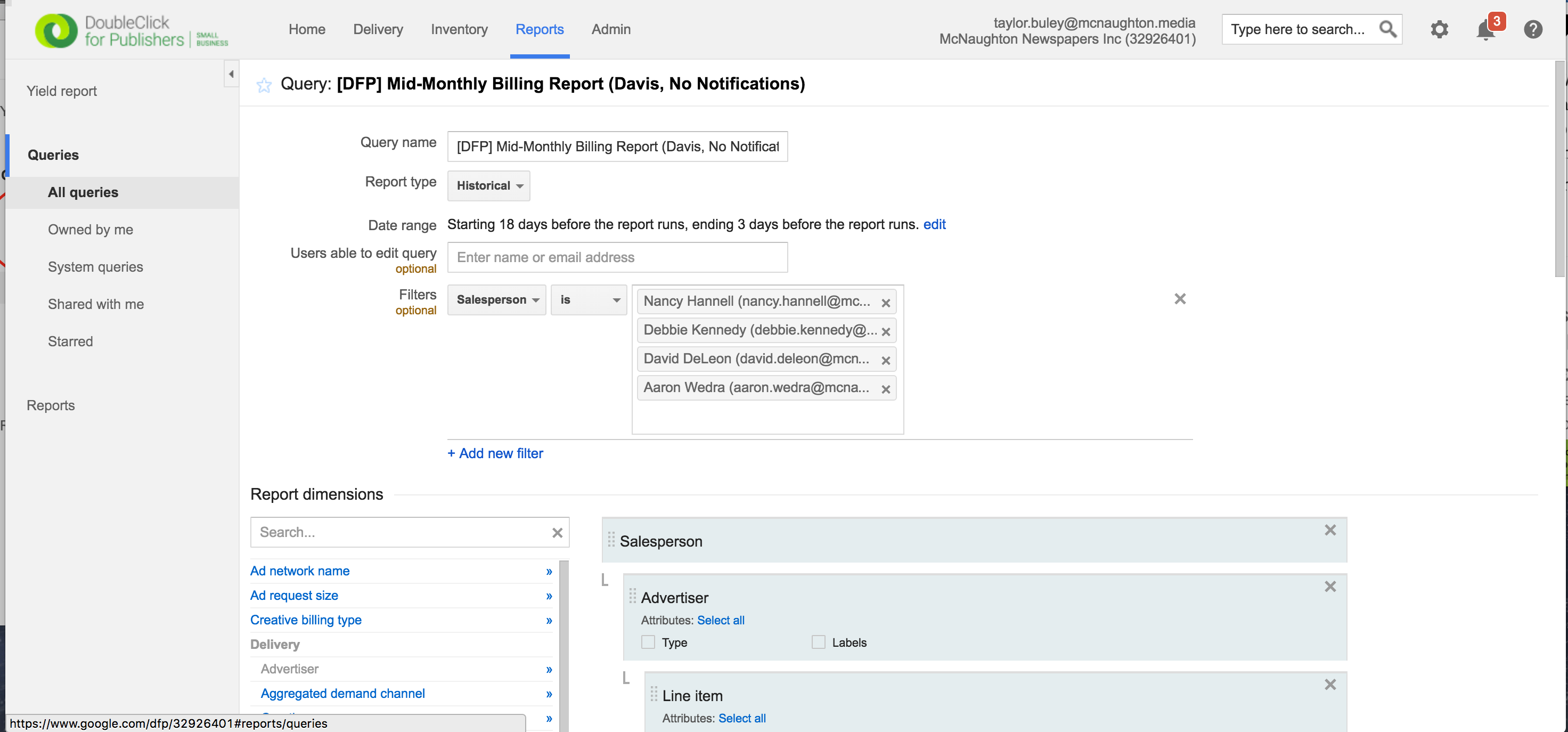
Step 0: Find the Query you want to run, which creates a Report. You can find Queries under the Reports tab up top, and by clicking into "All Queries" on the sidebar.
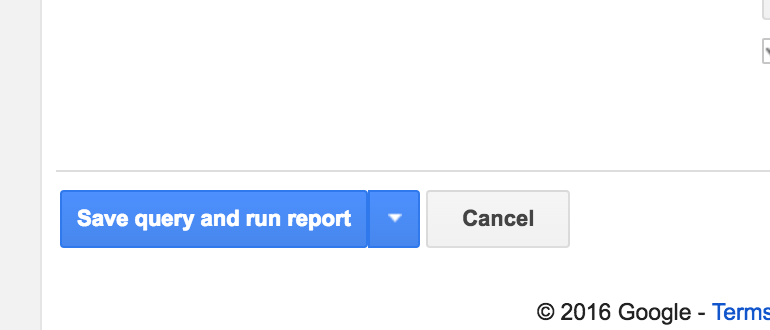
Step 1: Go to the bottom and click the blue "Save query and run report" button
Step 0: Find the Query you want to run, which creates a Report. You can find Queries under the Reports tab up top, and by clicking into "All Queries" on the sidebar.
Step 1: Go to the bottom and click the blue "Save query and run report" button
0 Comments