Step 0) Go into the post in question via the WordPress backend.
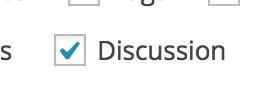
Step 1) Look for the "Screen Options" in the upper right corner, click it to toggle the drop down, and ensure that "Discussion" is checked.

Step 2) Disable comments by unchecking the "Allow comments" box in the Discussion section.

Step 3) Save the post. Comments should now be disabled.
0 Comments