Step 0) We need to figure out how far back this author goes. Go to the WordPress back end and select the author from the dropdown, then hit the "Filter" button. Page to the last page and note the publish month and year.

Step 1) Plug that month and year into the WordPress filter bar, hit "Filter" again.

Step 2) You can play with a "Screen Options" field "Number of items per page" to delete as much as the server will let you. You may find this to be around 100 or 150 items.

Step 3) Select all via checkbox
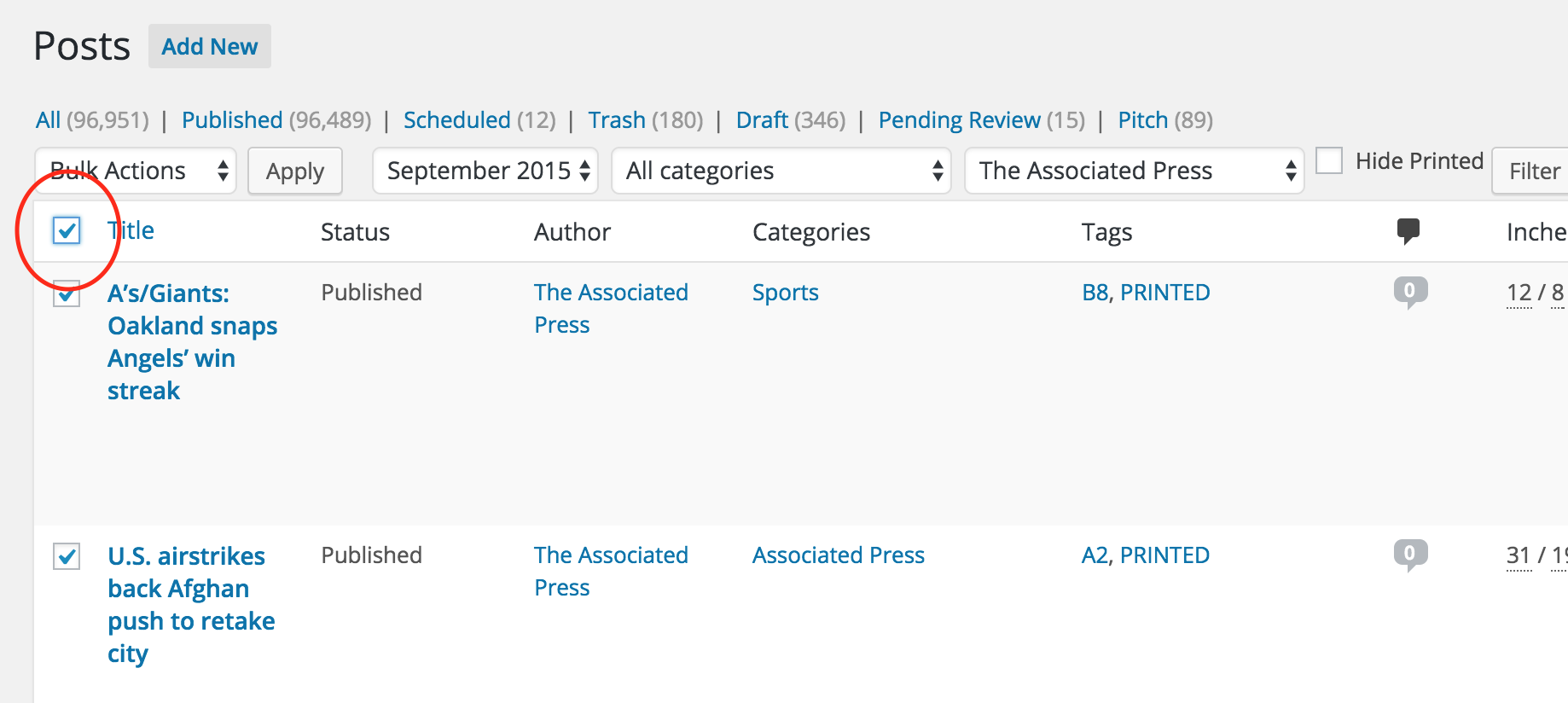
Step 4) Toggle the "Bulk Actions" select to "Trash" then hit "Apply" a final time. Repeat by month as needed.
0 Comments