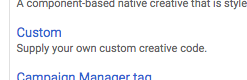
Step 0) Follow the steps to add a custom code creative to a line item (tl;dr choose "Custom" when picking from a creative type, paste the code)
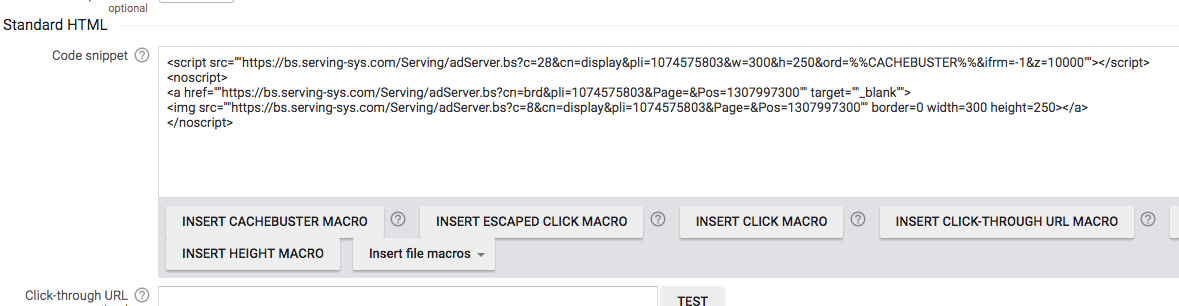
Optional Step 1A) Fix any click macro issues. If there's a `<noscript>` tag, use it to insert a click macro at the beginning of its anchor tag. Highlight where you want it to appear, then click the "Insert Click Macro" button.

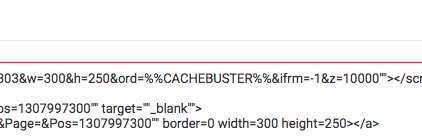
Optional Step 1B) Fix any impression macro issues. If there's a `[timestamp]` or `[ord]` or other random number placeholder parameter in one of the URLs, use it to add a cachebusting macro. Highlight where you want it to appear, then click the "Insert Cachebuster Macro" button.
Step 2) Save
0 Comments