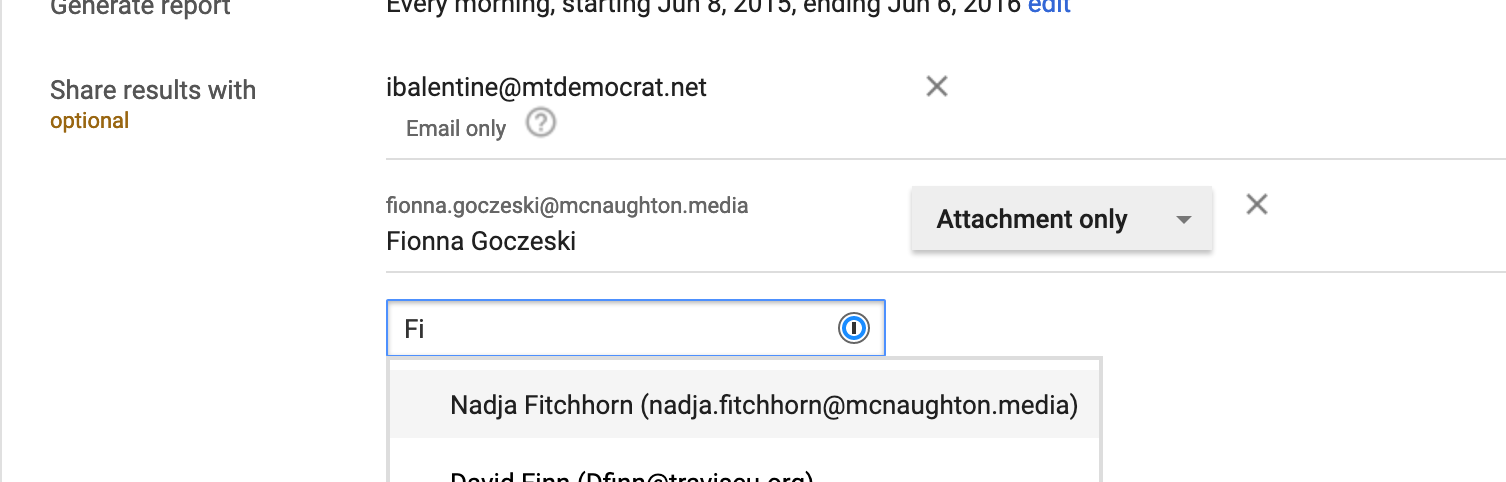
Follow How do I share a report with someone new? July 01, 2019 18:41 McNaughton Newspapers, Inc. Advertising DFP Step 0) Find the report "Query" you want to share, click to open it. Step 1) Under "Share With" type the name of the person with whom you want to share. This can be an email address or a DFP User. 0 Comments Please sign in to leave a comment.
0 Comments