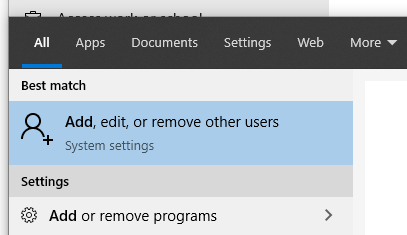
Step 1: Type "Add user" into the Start menu
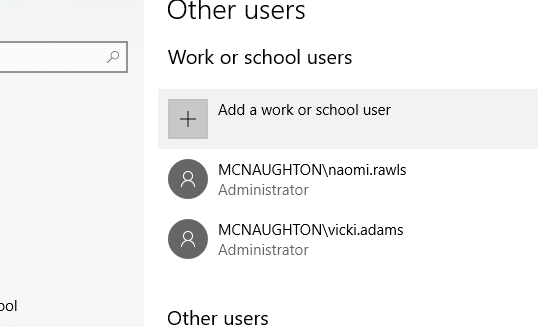
Step 2: Click "Add a work or school user" then type the username (e.g. "first.last"). Chose the desired "role", regular user or administrative user.
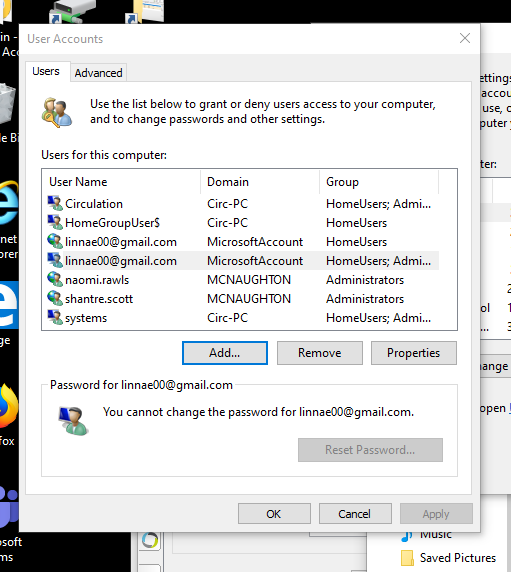
NOTE: There's at least one other way to do it, via "User Accounts" screen in Control Panel. Whichever way is easiest should be fine.
0 Comments