The only way to view a Payment Record is via the Stripe Dashboard. There's no fullproof way to identify a Payment Record. The best way to find a Payment is to search for it. See What Is The Stripe Dashboard? for more information on both of these topics.
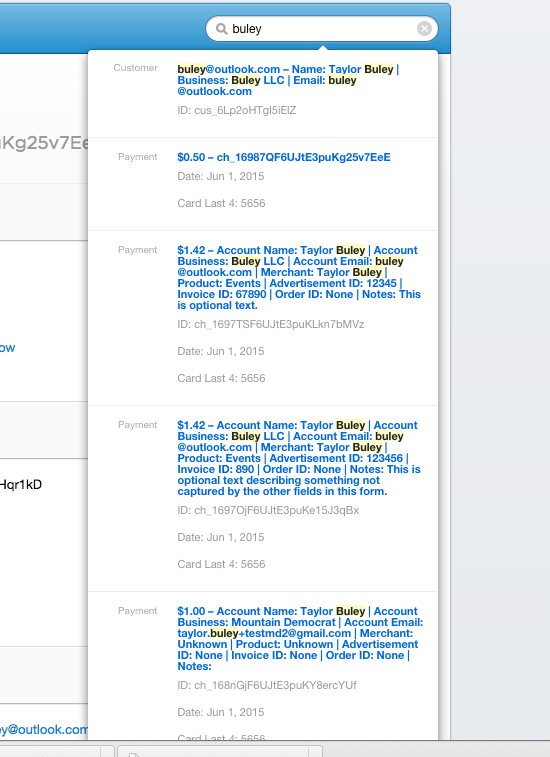
If the Payment Form is used, there are lots of useful ways to find payments. You can find items quickly just by typing into the search box in the top right of every page. To go deeper, type your query and hit enter to see a page on which you can drill down to viewing just Payments.
Typing something into search reveals Payment Records along with other items such as Customer Records.
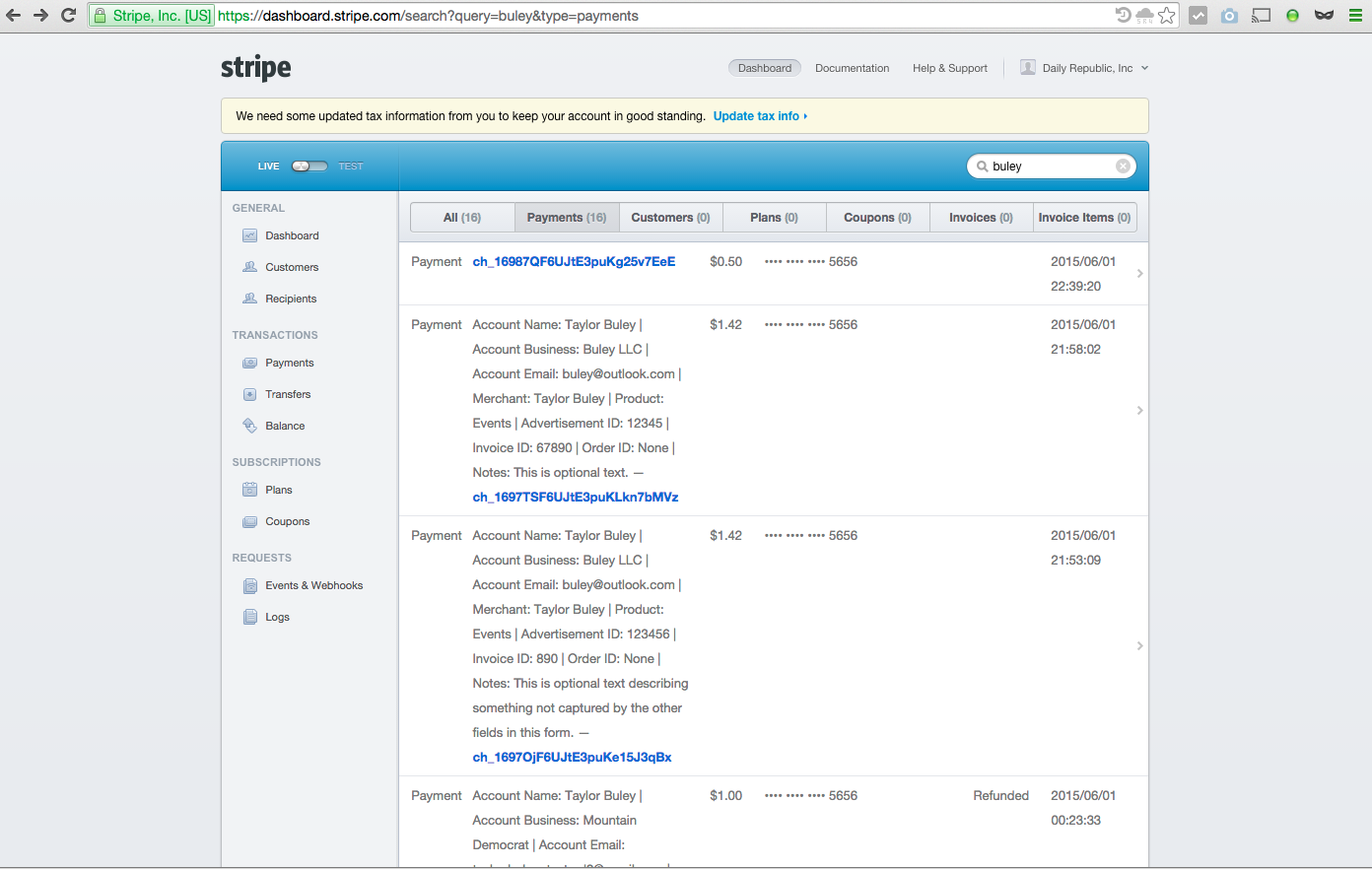
After typing you search and hitting enter, click the "Payments" tab. If it's highlighted, only Payment items matching your search will be visible.
0 Comments