Payment Form
When using the Payment Form, the customer is emailed a receipt immediately if the transaction processes successfully.
Stripe Dashboard
Receipt History
While looking at a payment, look for the Receipt History area, currently about half-way down the page. Use the steps in How Do I Lookup A Payment? to find an existing payment.
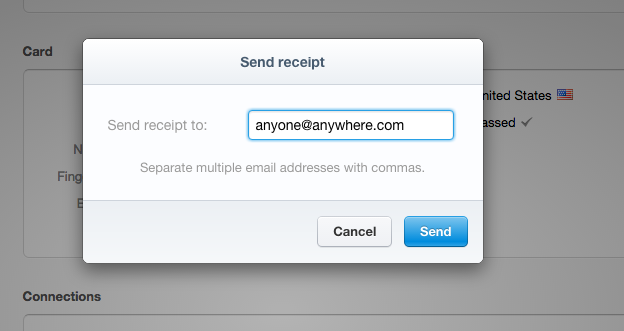
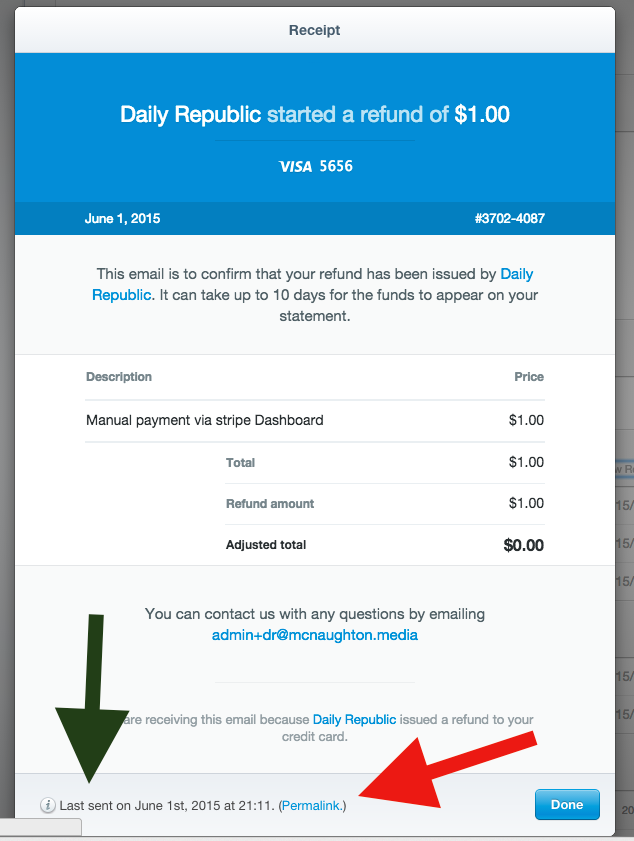
You can "View Receipt" (green arrow) to see a version of the customer receipt. To send or re-send a receipt, you'd use the "Send Receipt" link (red arrow). Those popups are included below. Note at the bottom that the popup receipt includes the date it was last sent (green arrow) and the "permalink" (red arrow). The permalink is useful to get a standalone webpage to share or send in an email. A standalone webpage would also be useful for printing a customer receipt.
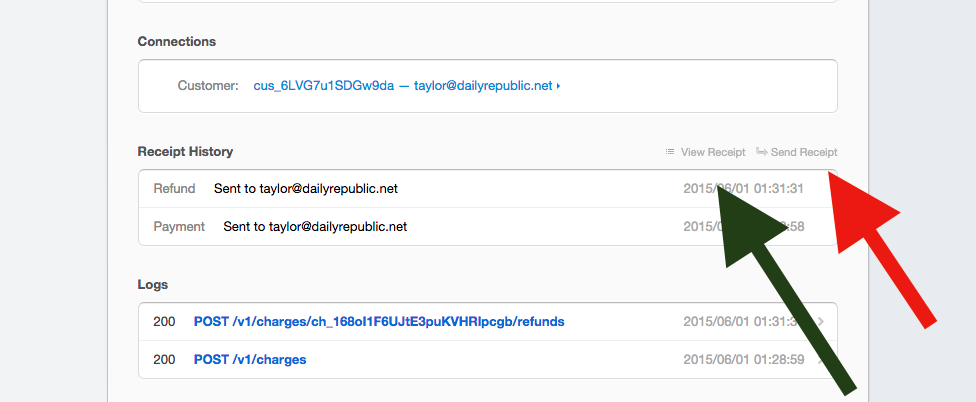
Send Receipt
View Receipt
0 Comments