To update a customer record, first you must find and view it, as described in How Do I Update A Customer Record? This can be done via search or the Customers dashboard tab. (See What Is The Stripe Dashboard? for more information on how to use these features.)
There are two simple steps:
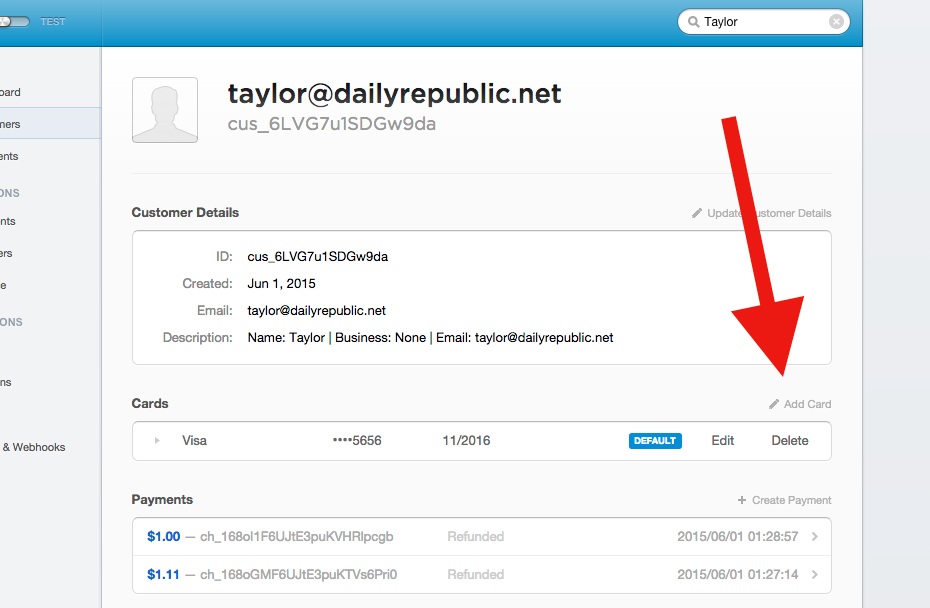
- Click the "Add Card" link on the Customer Record
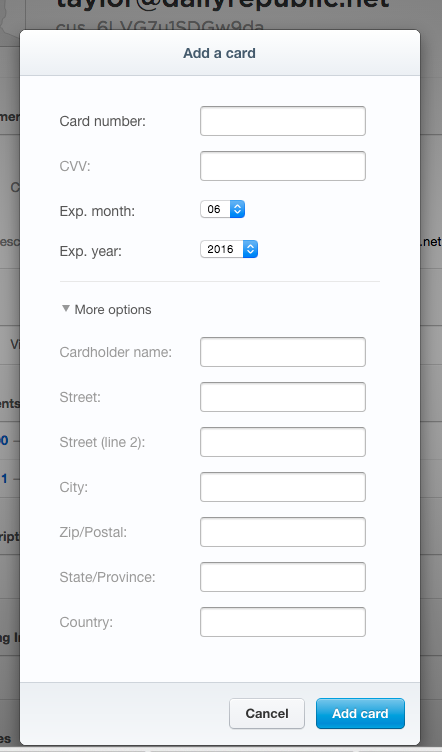
- Fill out the "Add A Card" form fields
For information on how to process a payment using a card that's been added to a Customer Record, see How Do I Process A New Payment For An Existing Customer Record And Credit Card?
0 Comments